
This document describes the features and characteristics of the G-MAX TM N601 computer, including computer navigation, display, keyboard, touchpad, storage devices, connection options, audio, etc.
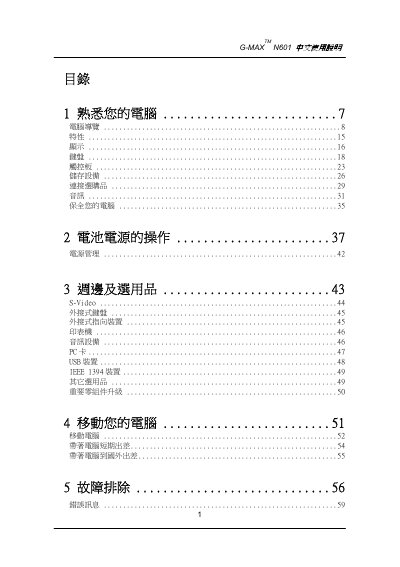
This manual introduces the G-MAX N601 notebook, covering familiarization, hardware features, display, keyboard, touchpad, storage, connectivity, audio, and power‑management functions. It also includes troubleshooting and error‑message guidance.
Key sections explain how to install the battery and AC adapter, perform routine maintenance, handle battery safety, and move the computer safely. Safety warnings and proper handling of accessories are highlighted throughout. This manual is written in Chinese.
| Power line minimum rating | 7 A 125 V |
|---|---|
| Power line maximum length | 15 inches (4.6 m) |
Insert the battery end gently into the battery slot until you hear a click, then lock it in place.
Use the Windows shutdown command; if that fails, hold the power button for more than 4 seconds to turn the computer off.
Connect one end of the AC adapter to the DC IN port on the side panel of the computer and the other end to a wall outlet.
Only use the same type of battery specified for this model.