
This user guide provides the operation methods of MOD205 set-top box, including safety tips, quick start, client equipment, operation methods, troubleshooting, etc.
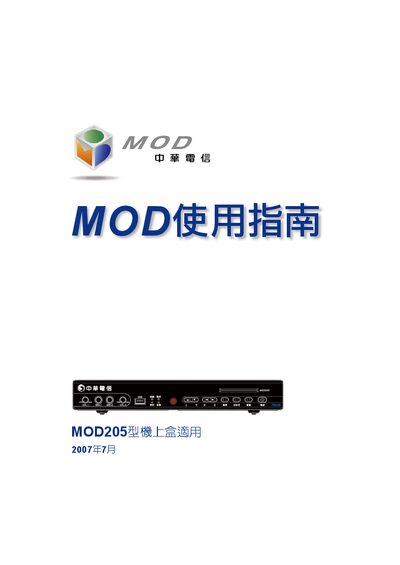
This guide covers the MOD MRC25 set‑top box supplied by Chunghwa Telecom. It includes safety precautions, a quick‑start procedure, detailed descriptions of the remote‑control keys, and instructions for connecting the box to a TV or other equipment.
Further sections explain how to use the on‑screen menus, manage recordings and bookmarks, and resolve common issues such as power or network problems. This manual is written in Chinese.
| SPDIF digital audio output | Supported |
|---|---|
| Ethernet port | Supported |
| USB port | Supported |
| Smart card slot | Supported |
Press the Power key on the remote; the first power‑on occurs automatically after plugging in, but you can also press the Power key to switch the box on or off.
Press the Reset button on the front panel; use it when the box freezes or shows error messages.
Press the # key (語言) on the remote to toggle between available languages for the channel.
Connect an HDMI cable from the box’s HDMI output to the TV’s HDMI input for the best video and audio quality.