
Key facts
- Manuals
- 1
- Languages
- EN
- Last added
- 2026-11-17
Featured POWGEN manuals
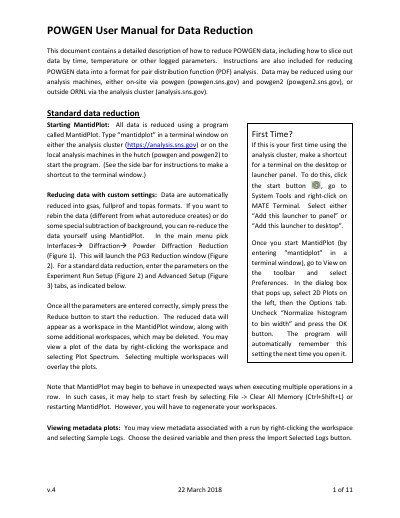
POWGEN v.4 Data Reduction User Manual
This manual explains how to process POWGEN data using MantidPlot, including setting up reduction parameters and slicing data by time or temperature. It covers both standard and custom reduction workflows, with instructions for using local machines (powgen.sns.gov, powgen2.sns.gov) or ORNL’s analysis cluster (analysis.sns.gov). The guide also addresses metadata handling, binning, and viewing results with plots and workspace overlays.
The manual includes detailed setup instructions for Experiment Run Setup and Advanced Setup tabs, with guidance on calibration, characterization files, output formats, and binning parameters. It also explains how to slice data by log values such as temperature using Event Filters Setup, including options for time-based or value-based slicing, and how to handle and visualize the resulting datasets.
Covers: Starting MantidPlot · Experiment Run Setup · Advanced Setup · Slicing Data by Time or Log Values · Viewing Metadata and Plots · Output File Formats
Latest POWGEN manuals
POWGEN v.4 Data Reduction User Manual
User Manual 11 pages · 1.6 MB · ENGuide to reduce and slice POWGEN data for PDF analysis using MantidPlot on local or ORNL analysis systems.
Which document do I need?
User Manual
Day-to-day operation, settings and troubleshooting. Start here if the product is already set up.
Questions answered in POWGEN manuals
How do I start MantidPlot on the analysis machines?
Type “mantidplot” in a terminal window on either the analysis cluster (https://analysis.sns.gov) or on the local analysis machines in the hutch (powgen and powgen2) to start the program.
What are the default output file formats?
The default output formats are gsas, fullprof, topas, pdfgetn, and processed nexus.