
Key facts
- Manuals
- 1
- Languages
- EN
- Last added
- 2026-11-17
Featured Shaw Moisture Meters manuals
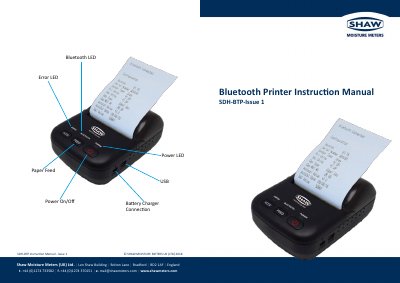
Shaw Moisture Meters SDH-BTP Bluetooth Printer User Manual
This manual provides instructions for using the Shaw Moisture Meters SDH-BTP Bluetooth printer. It covers battery installation and replacement, paper roll changes, Bluetooth connectivity, and power specifications. The printer uses a rechargeable Li-ion battery and supports thermal paper rolls up to 40mm diameter. It operates within a temperature range of 0°C to +40°C and includes low-power sleep mode for battery conservation.
The device connects via Bluetooth (range 20m) and requires a USB power adapter for charging. The manual also includes safety and operational details such as operating humidity, storage conditions, and power input specifications.
Covers: Battery Removal & Replacement · Paper Replacement · Bluetooth Connection · Power Supply Connection · Specifications · Features
Latest Shaw Moisture Meters manuals
Shaw Moisture Meters SDH-BTP Bluetooth Printer User Manual
User Manual 2 pages · 324 KB · ENUser manual for the Shaw Moisture Meters SDH-BTP Bluetooth printer, covering setup, battery, paper, and Bluetooth operations.
Which document do I need?
User Manual
Day-to-day operation, settings and troubleshooting. Start here if the product is already set up.
Questions answered in Shaw Moisture Meters manuals
What is the Bluetooth range?
The Bluetooth range is 20 meters.
From: Shaw Moisture Meters SDH-BTP Bluetooth Printer User Manual
What paper type is supported?
Thermal paper with a width of 58 mm and maximum roll diameter of 40 mm.
From: Shaw Moisture Meters SDH-BTP Bluetooth Printer User Manual