
Key facts
- Manuals
- 1
- Languages
- EN
- Last added
- 2026-11-16
Featured Family Robot manuals
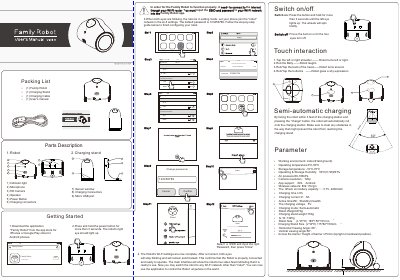
Family Robot Ver3.0 Robot User's Manual
The Family Robot Ver3.0 is an indoor robot controlled through the Family Robot app for iOS and Android. The manual describes its parts, packing list, power and charging, touch interactions, and the steps for connecting the robot to a Wi-Fi network.
It also explains the app's robot management, camera and movement controls, connection guide, precautions, common problems, and the listed operating parameters such as camera resolution, battery, size, and weight.
Covers: Parts Description · Packing List · Getting Started · Switch On/Off · Semi-automatic Charging · Touch Interaction
Latest Family Robot manuals
Family Robot Ver3.0 Robot User's Manual
User Manual 2 pages · 1.2 MB · ENUser manual for the Family Robot Ver3.0 robot, covering parts, packing list, app and Wi-Fi setup, controls, specifications, precautions, and troubleshooting.
Which document do I need?
User Manual
Day-to-day operation, settings and troubleshooting. Start here if the product is already set up.
Questions answered in Family Robot manuals
What is the default Wi-Fi password for the robot?
The default Wi-Fi password is 123456789.
How do I restore the robot's login password and Wi-Fi settings to factory defaults?
Place the robot on the charging stand and touch the back of its head four times; the fourth touch restores the login password and Wi-Fi settings.