
Key facts
- Manuals
- 1
- Languages
- EN
- Last added
- 2023-11-03
Featured Michigan Department of Labor and Economic Opportunity manuals
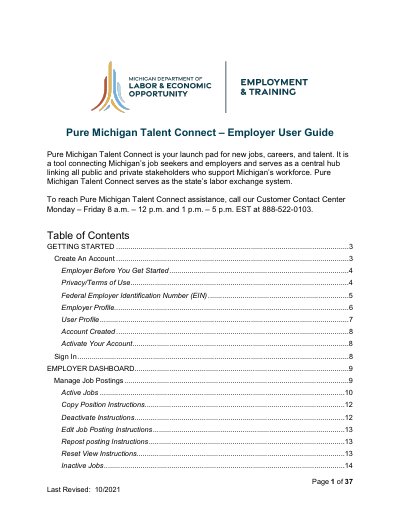
Michigan Department of Labor and Economic Opportunity Pure Michigan Talent Connect Employer User Guide
This guide helps employers create and manage accounts on Pure Michigan Talent Connect, Michigan’s job posting and talent matching platform. It covers account setup, job posting management, candidate search features, and account activation steps. Employers must provide an EIN and complete profile information to validate their account.
The dashboard allows employers to view active and inactive jobs, export job data, and manage candidate searches. Additional sections cover integrating with WBLOMS and handling account validation workflows.
Covers: Getting Started · Employer Before You Get Started · Federal Employer Identification Number (EIN) · Employer Profile · User Profile · Account Created
Latest Michigan Department of Labor and Economic Opportunity manuals
Michigan Department of Labor and Economic Opportunity Pure Michigan Talent Connect Employer User Guide
User Manual 37 pages · 3.8 MB · ENUser guide for employers to create accounts, post jobs, and manage candidate searches on Pure Michigan Talent Connect.
Which document do I need?
User Manual
Day-to-day operation, settings and troubleshooting. Start here if the product is already set up.
Questions answered in Michigan Department of Labor and Economic Opportunity manuals
What is Pure Michigan Talent Connect?
Pure Michigan Talent Connect is a tool connecting Michigan’s job seekers and employers and serves as a central hub linking all public and private stakeholders who support Michigan’s workforce.
How do I activate my account?
An activation email from [email protected] will be sent to the email address on the account. Click the URL in the email to activate account. If you have not received the activation email, be sure to check your spam or junk email folder.