
Key facts
- Manuals
- 1
- Languages
- EN
- Last added
- 2023-11-02
Featured State Bank manuals
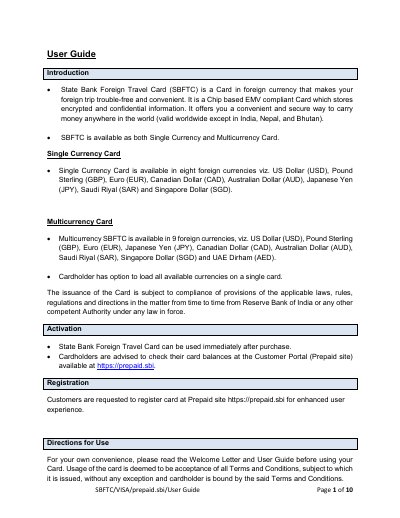
State Bank Foreign Travel Card (SBFTC) User Guide
This User Guide describes the State Bank Foreign Travel Card (SBFTC), a chip-based EMV compliant prepaid card in foreign currency that is valid worldwide except in India, Nepal and Bhutan. The card is offered as a Single Currency Card in eight currencies (USD, GBP, EUR, CAD, AUD, JPY, SAR, SGD) and as a Multicurrency Card in nine currencies, which additionally includes the UAE Dirham (AED).
The guide explains how to use the card at Visa ATMs, bank branches overseas, PoS terminals and e-commerce sites, how to generate or change the ATM/PoS PIN via the prepaid.sbi customer portal, ATMs or a branch, how to top up or reload the card, and how to block a lost, misplaced or stolen card by toll-free number, customer portal, e-mail or SBI branch. It also covers replacement card charges, add-on cards, the VISA emergency card and viewing the statement of account.
Covers: Introduction · Activation · Directions for Use · ATM PIN Management · Transaction Limits and Other Covenants · Reloading Your Card
Latest State Bank manuals
State Bank Foreign Travel Card (SBFTC) User Guide
Other 10 pages · 556 KB · ENUser guide for the State Bank Foreign Travel Card (SBFTC), a prepaid Visa foreign currency card, covering activation, PIN management, reloading and card…
Questions answered in State Bank manuals
How do I block a lost or stolen State Bank Foreign Travel Card?
Call the toll-free numbers 18001234 / 1800112211 / 18004253800 (or the paid number +918026599990), block it via the customer portal at https://prepaid.sbi, e-mail [email protected], or visit an SBI branch dealing in SBFTC with a written request.
How can I generate or change my ATM/PoS PIN?
You can set or reset the PIN on the prepaid.sbi customer portal under "My Task" > "My Task Flow" > "Forgot/Set New PIN", through a two-step process at a State Bank Group ATM, or with assistance at any State Bank Branch.