
Key facts
- Manuals
- 1
- Languages
- FR
- Last added
- 2026-11-08
Featured Panda Security manuals
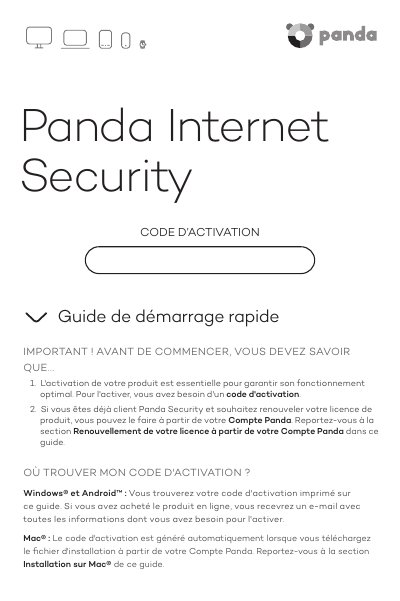
Panda Internet Security Quick Start Guide
This four-page quick start guide from Panda Security explains how to activate and install Panda Internet Security. It first tells you where to find your activation code, which is printed on the guide for Windows and Android, sent by e-mail after an online purchase, and generated automatically for Mac when you download the installer from your Panda Account.
The guide then gives separate installation steps for Windows, Android, Mac and iOS, followed by instructions for creating and verifying a Panda Account at myaccount.pandasecurity.com, renewing a license with an activation code, and reaching the technical support section of the Panda Security website. This manual is written in French.
Covers: Where to find your activation code · Installation on Windows · Installation on Android · Installation on Mac · Installation on iOS · Creating your Panda Account
Latest Panda Security manuals
Panda Internet Security Quick Start Guide
Quick Start Guide 4 pages · 57 KB · FRGuide to activating and installing Panda Internet Security on Windows, Android, Mac and iOS, creating a Panda Account and renewing the license.
Which document do I need?
Quick Start Guide
The shortest path to a working setup, usually only a few pages.
Questions answered in Panda Security manuals
Where do I find my activation code?
For Windows and Android it is printed on the guide, or sent by e-mail if the product was bought online. For Mac it is generated automatically when you download the installation file from your Panda Account.
How do I create a Panda Account?
Go to myaccount.pandasecurity.com, select Create a new account, enter the required data, click Create, then verify the account from the verification e-mail.