
Key facts
- Manuals
- 1
- Languages
- EN
- Last added
- 2023-10-26
Featured uStores manuals
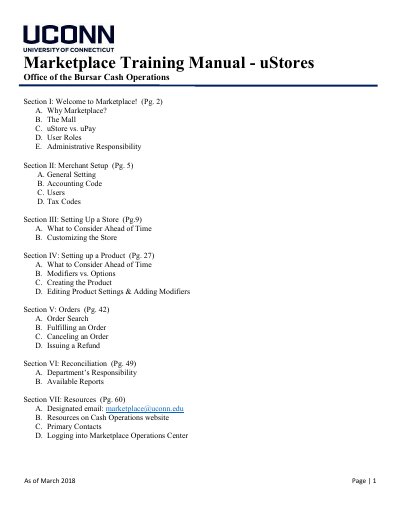
uStores Marketplace Training Manual
This manual provides step-by-step instructions for setting up and managing a uStore within the UConn Marketplace system. It covers user roles, merchant configuration, store setup, product creation, order fulfillment, and financial reconciliation. The guide is intended for departmental staff responsible for managing online sales and payments.
The document also outlines administrative responsibilities for both Cash Operations and departments, including PCI compliance, tax handling, and payment reporting. It includes sections on user roles, tax accounting codes, and recurring payment tracking for accurate financial management.
Covers: Welcome to Marketplace · Merchant Setup · Setting Up a Store · Setting up a Product · Orders · Reconciliation
Latest uStores manuals
uStores Marketplace Training Manual
User Manual 60 pages · 3.3 MB · ENTraining guide for using uStores Marketplace, covering merchant setup, store configuration, product management, order processing, and reconciliation.
Which document do I need?
User Manual
Day-to-day operation, settings and troubleshooting. Start here if the product is already set up.
Questions answered in uStores manuals
What is the purpose of the uStore feature in the Marketplace system?
uStore is intended for departments who wish to accept credit card payments for products, services, or events and require basic collection of information.
How long can it take for an ACH payment to be returned?
ACH payments can take up to 7 business days to be returned.