
Key facts
- Manuals
- 1
- Languages
- EN
- Last added
- 2023-10-21
Featured UF Exchange manuals
UF Exchange eFAX Service User Guide
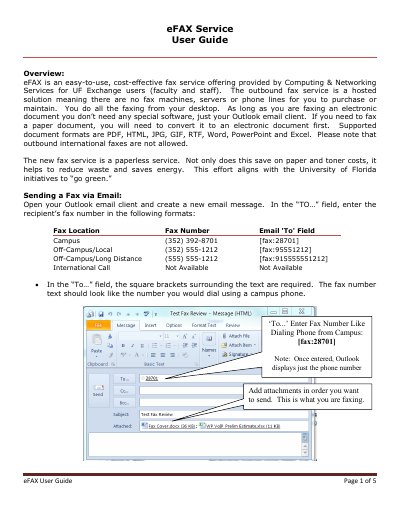
The eFAX service is a hosted, paperless fax solution provided by Computing & Networking Services for UF Exchange users. It allows faculty and staff to send faxes directly from their desktop using the Outlook email client, eliminating the need for fax machines, servers, or phone lines. The service supports various electronic document formats including PDF, HTML, JPG, and Word.
Covers: Overview · Sending a Fax via Email · Receiving Faxes via Email · Requesting eFAX Service · Customer Support
Latest UF Exchange manuals
UF Exchange eFAX Service User Guide
User Manual 5 pages · 257 KB · ENUser guide for the UF Exchange eFAX service, detailing how to send and receive electronic faxes via Outlook email without physical hardware.
Which document do I need?
User Manual
Day-to-day operation, settings and troubleshooting. Start here if the product is already set up.
Questions answered in UF Exchange manuals
What document formats are supported for outbound faxes?
The service supports PDF, HTML, JPG, GIF, RTF, Word, PowerPoint, and Excel formats.
Are outbound international faxes allowed?
No, outbound international faxes are not allowed by the service.