
Key facts
- Manuals
- 1
- Languages
- EN
- Last added
- 2023-10-21
Featured U.S. Census Bureau manuals
U.S. Census Bureau TIGERweb Quick Guide
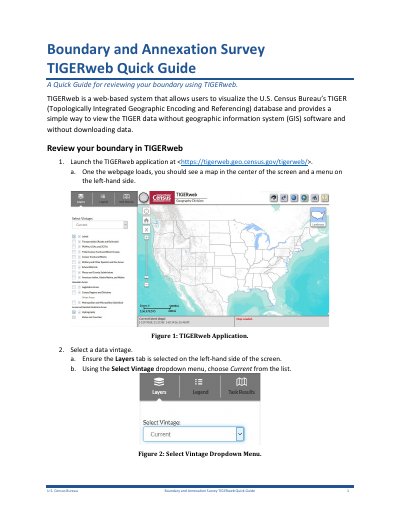
This guide explains how to use TIGERweb to visualize and review U.S. Census Bureau’s TIGER database without GIS software. Users can select data vintage, query for specific government boundaries, and zoom to view details. The guide also covers integrating TIGERweb data into ArcGIS Pro, ArcMap, and QGIS via REST services.
TIGERweb provides access to legal boundaries and other geographic layers. Users can search by GEOID or name, and toggle layers for review. The guide includes step-by-step instructions for viewing data in different GIS platforms and notes on data limitations and vintage selection.
Covers: Launching TIGERweb · Selecting Data Vintage · Querying Government Boundaries · Viewing and Zooming Boundaries · Using TIGERweb REST Services · Viewing in ArcGIS Pro
Latest U.S. Census Bureau manuals
U.S. Census Bureau TIGERweb Quick Guide
User Manual 8 pages · 681 KB · ENA quick guide for reviewing U.S. Census Bureau boundary data using the web-based TIGERweb system.
Which document do I need?
User Manual
Day-to-day operation, settings and troubleshooting. Start here if the product is already set up.
Questions answered in U.S. Census Bureau manuals
How do I launch TIGERweb?
Launch the TIGERweb application at <https://tigerweb.geo.census.gov/tigerweb/>.
How do you launch TIGERweb?
Launch the TIGERweb application at <https://tigerweb.geo.census.gov/tigerweb/>.