
Key facts
- Manuals
- 1
- Languages
- EN
- Last added
- 2023-10-20
Featured Trumen Technologies manuals
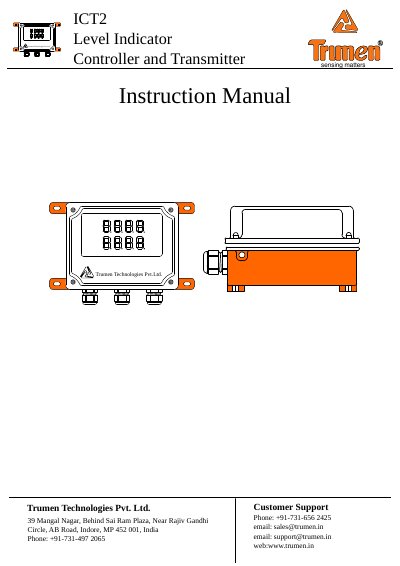
Trumen Technologies ICT2 Level Indicator Controller and Transmitter User Manual
This manual guides users through configuring and calibrating the ICT2 Level Indicator Controller and Transmitter. It covers relay settings, failsafe operation, calibration procedures, and 4-20mA output adjustment using a multimeter. The device translates capacitance changes into level percentages and outputs a 4-20mA signal for level monitoring.
The front panel includes buttons for menu navigation and displays level status, relay states, and calibration values. Calibration requires setting low and high level points using actual tank levels, and the device can be trimmed for accurate 4mA and 20mA output using a multimeter.
Covers: Operating Principle · Connection Diagram · Front Panel View · Relay Configuration · Failsafe Operation · Calibration Menu
Latest Trumen Technologies manuals
Trumen Technologies ICT2 Level Indicator Controller and Transmitter User Manual
User Manual 10 pages · 1.2 MB · ENUser manual for Trumen Technologies ICT2 Level Indicator Controller and Transmitter, covering setup, calibration, relay configuration, and 4-20mA output…
Which document do I need?
User Manual
Day-to-day operation, settings and troubleshooting. Start here if the product is already set up.
Questions answered in Trumen Technologies manuals
How do I calibrate the low level point?
Press the CALIB menu, then select CL LO. Set the actual level percentage using the Up/Down buttons and confirm with Enter.
From: Trumen Technologies ICT2 Level Indicator Controller and Transmitter User Manual
What is the failsafe operation?
Failsafe operation defines how the level is converted to Alarm or Normal. High failsafe triggers alarm at or above the high switching point; Low failsafe triggers alarm at or below the low switching point.
From: Trumen Technologies ICT2 Level Indicator Controller and Transmitter User Manual