
Key facts
- Manuals
- 1
- Languages
- EN
- Last added
- 2023-10-20
Featured Badia Software manuals
Badia BigPicture 3.0 for QuarkXPress 7 User Guide
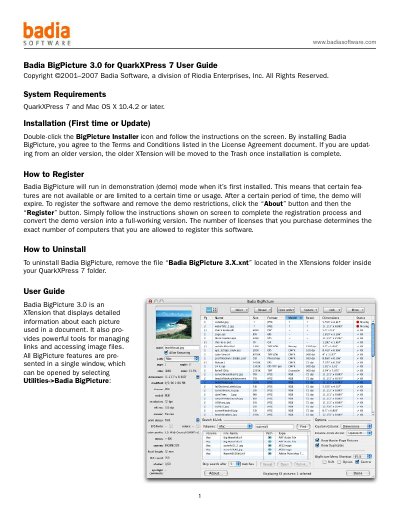
Badia BigPicture 3.0 is an XTension for QuarkXPress 7 that helps users manage image links and view detailed information about pictures in documents. It provides tools to rename, update, relink, and search for images. The interface includes a list view and thumbnail view for organizing images, with an info panel showing detailed metadata. Users can register the software to remove demo restrictions and uninstall it by removing the XTension file.
Covers: Installation · Registration · Uninstallation · List View · Thumbnail View · Info Panel
Latest Badia Software manuals
Badia BigPicture 3.0 for QuarkXPress 7 User Guide
User Manual 5 pages · 120 KB · ENUser guide for Badia BigPicture 3.0, an XTension for QuarkXPress 7 that manages image links and displays picture details.
Which document do I need?
User Manual
Day-to-day operation, settings and troubleshooting. Start here if the product is already set up.
Questions answered in Badia Software manuals
How do I register Badia BigPicture to remove demo restrictions?
Click the “About” button and then the “Register” button, then follow the on-screen instructions to complete registration.
How do I uninstall Badia BigPicture?
Remove the file “Badia BigPicture 3.X.xnt” located in the XTensions folder inside your QuarkXPress 7 folder.