
Key facts
- Manuals
- 1
- Languages
- EN
- Last added
- 2023-10-19
Featured Note Taking Express manuals
Note Taking Express User Manual
User Manual 7 pages · 592 KB · EN
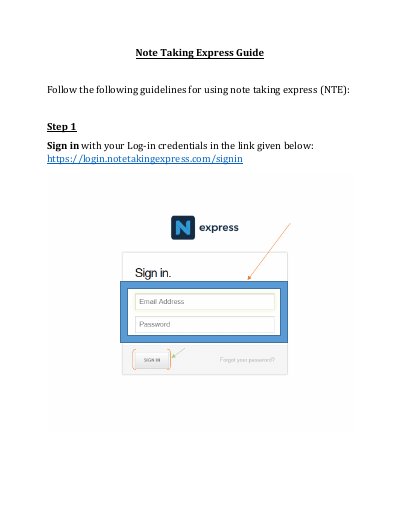
This guide explains how to sign in, navigate the dashboard, upload and manage files, create documents, and use messaging. It also covers downloading, moving, copying files, and viewing recent activities. The interface includes a live chat help desk for support.
Covers: Sign In · Dashboard · Upload Files · Create Documents · Download Files · Move/Copy Files
Latest Note Taking Express manuals
Note Taking Express User Manual
User Manual 7 pages · 592 KB · ENA step-by-step guide for using Note Taking Express, covering sign-in, dashboard, file management, and messaging.
Which document do I need?
User Manual
Day-to-day operation, settings and troubleshooting. Start here if the product is already set up.
Questions answered in Note Taking Express manuals
What is the first step to use Note Taking Express?
Sign in with your Log-in credentials.
How do you create a folder in Note Taking Express?
Select the 'Folder' option under 'Create' and provide a name.