
Key facts
- Manuals
- 1
- Languages
- EN
- Last added
- 2023-10-17
Featured CanOBD2&1 manuals
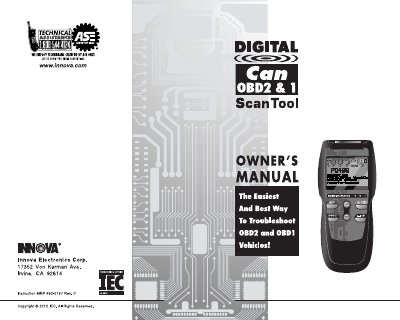
CanOBD2&1 Scan Tool User Manual
This manual guides users through using the CanOBD2&1 scan tool to retrieve diagnostic trouble codes (DTCs) and view live data for OBD1 and OBD2 systems. It covers safety precautions, battery installation, language and unit settings, and step-by-step procedures for different vehicle makes including Chrysler, Ford, GM, and Toyota. The tool also supports enhanced DTCs for specific manufacturers and includes features like Freeze Frame data and I/M Readiness testing for OBD2 systems.
Covers: Introduction · Safety Precautions · About the CanOBD2&1 Scan Tool · Battery Installation/Replacement · Adjustments/Settings and DTC Library · Scan Tool Controls
Latest CanOBD2&1 manuals
CanOBD2&1 Scan Tool User Manual
User Manual 118 pages · 6.1 MB · ENUser manual for the CanOBD2&1 scan tool, covering OBD1 and OBD2 systems, DTC retrieval, live data, and safety precautions.
Which document do I need?
User Manual
Day-to-day operation, settings and troubleshooting. Start here if the product is already set up.
Questions answered in CanOBD2&1 manuals
What is OBD?
The Enhanced CanOBD2&1 Scan Tool is designed to work on most Chrysler, Ford, GM and Toyota OBD1 systems and all OBD2 compliant vehicles. OBD1 was designed to monitor manufacturer-specific systems on vehicles built from 1981 to 1995. Then came the development of OBD2, which is on all 1996 cars and light trucks sold in the United States. These systems are part of a government mandate to lower vehicle emissions.
How do I use the CanOBD2&1 Scan Tool?
Connect the CanOBD2&1 Scan Tool to the vehicle’s test connector. Turn the ignition key "On.” Press the POWER/LINK button.