
Key facts
- Manuals
- 1
- Languages
- EN
- Last added
- 2023-10-16
Featured 7000 Series manuals
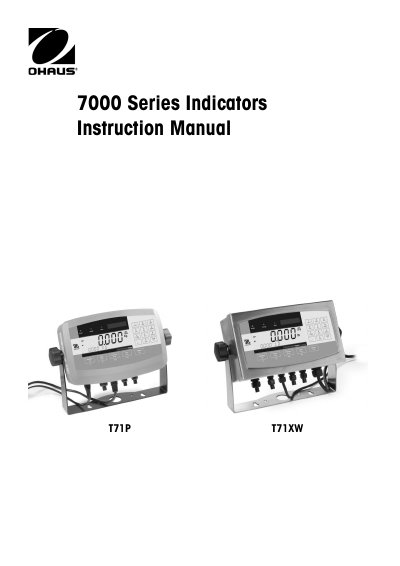
7000 Series T71P T71XW Indicator Instruction Manual
The document serves as a comprehensive instruction manual for the 7000 Series Indicators, specifically models T71P and T71XW. It details safety precautions, an overview of parts and controls, and step-by-step guides for installation including unpacking, external connections (scale base, RS232, power), and mounting bracket attachment.
The manual covers extensive configuration options through various menu structures such as Settings, Readout, Mode, Unit, GMP, Print, COM, I-O, Menu Lock, and Key Lock. It explains operational procedures for weighing, parts counting, percent weighing, dynamic weighing, and check weighing modes. Additionally, it includes sections on serial communication commands, legal for trade settings, maintenance, troubleshooting, and technical specifications.
Covers: Introduction · Overview of Parts and Controls · Installation · Settings Menu Structure · Operation Modes · Serial Communication
Latest 7000 Series manuals
7000 Series T71P T71XW Indicator Instruction Manual
User Manual 76 pages · 2 MB · ENThis manual provides operating instructions for the 7000 Series T71P and T71XW indicators, covering installation, settings, operation modes, and maintenance.
Which document do I need?
User Manual
Day-to-day operation, settings and troubleshooting. Start here if the product is already set up.
Questions answered in 7000 Series manuals
What are the supported weighing units?
The indicator supports Kilogram, Gram, Pound, Ounce, Pound:Ounce, Tonne, and Custom units.
What is the maximum counting resolution?
The maximum counting resolution for these indicators is 1:500,000.