
Key facts
- Manuals
- 1
- Languages
- EN
- Last added
- 2026-10-28
Featured Videoporama manuals
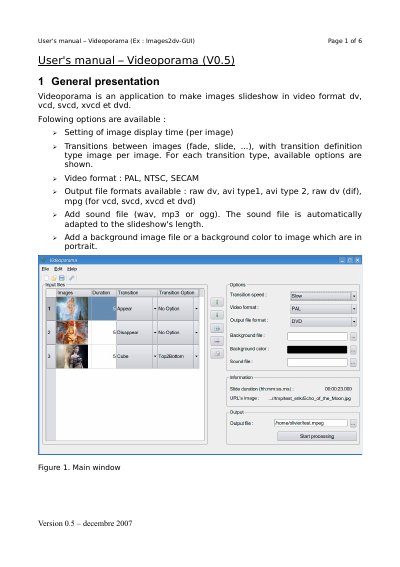
Videoporama V0.5 Images2dv-GUI User Manual
Videoporama V0.5 is an application designed to create image slideshows in various video formats such as DV, VCD, SVCD, XVCD, and DVD. Key features include setting image display times, defining transitions between images (such as fade, slide, cube, and push), selecting video standards (PAL, NTSC, SECAM), and adding sound files or background images/colors.
Covers: General presentation · Add or remove images · Definition of slideshow's options · Export of the projet · Transition's type · Configuration
Latest Videoporama manuals
Videoporama V0.5 Images2dv-GUI User Manual
User Manual 6 pages · 287 KB · ENUser manual for Videoporama V0.5, a software application for creating image slideshows in various video formats including DV, VCD, and DVD.
Which document do I need?
User Manual
Day-to-day operation, settings and troubleshooting. Start here if the product is already set up.
Questions answered in Videoporama manuals
What video formats does Videoporama V0.5 support?
The application supports PAL, NTSC, and SECAM video norms.
Which output file formats are available for the slideshow?
Users can export to raw dv, avi type 1, avi type 2, raw dv (dif), mpg, vcd, svcd, xvcd, or dvd.