
Key facts
- Manuals
- 1
- Languages
- EN
- Last added
- 2026-10-19
Featured XC-E manuals
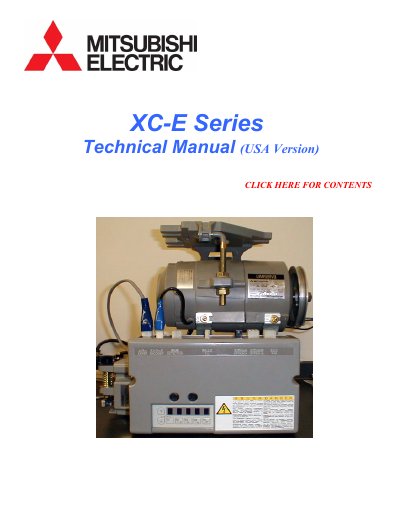
XC-E Series (USA Version) Technical Manual
The XC-E Series (USA Version) Technical Manual serves as a comprehensive guide for operating and programming the XC-E industrial sewing machine controller. It details how to enter various program modes (P, A, B, C, D, E, F, G, H, J, Q, R, S, 1-3, K) and adjust settings for different machine types, including Mitsubishi and other lockstitch machines.
The document covers essential operational procedures such as adjusting speed, setting tacking parameters, and configuring input/output signals. It also includes specific troubleshooting sections for error codes, fuse replacement, and power supply modifications, along with wiring layouts for connectors like the needle cooler output and sensor.
Covers: How to Enter the Various Program Modes · Panel Key Functions · How to Enter the Mode for Mitsubishi Machines · Backtack Settings · Stitch Count Settings · How to Enter into the Mode for Other Lockstitch Machines
Latest XC-E manuals
XC-E Series (USA Version) Technical Manual
User Manual 44 pages · 643 KB · ENThis manual provides programming instructions, troubleshooting, and wiring diagrams for the XC-E Series (USA Version) industrial sewing machine controller.
Which document do I need?
User Manual
Day-to-day operation, settings and troubleshooting. Start here if the product is already set up.
Questions answered in XC-E manuals
How do I return to the normal mode from a program mode?
Press the DOWN ARROW and UP ARROW momentarily.
What happens if input S7 is turned ON while the sewing machine is running?
Backstitching (reverse feed) will start.