
Key facts
- Manuals
- 1
- Languages
- ZH
- Last added
- 2026-10-06
Featured Xuanlan Guang manuals
Xuanlan Guang TF-MN/TF-CN LED Display Control Card User Manual
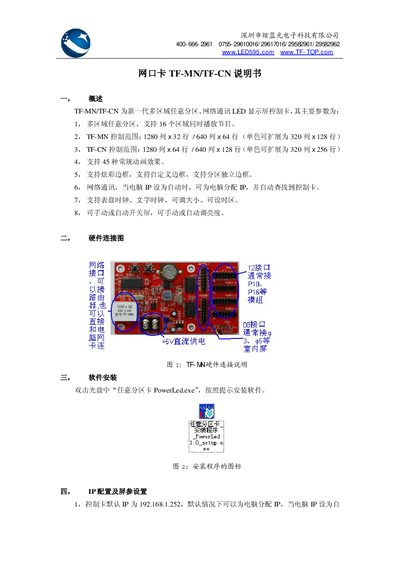
The TF-MN/TF-CN series are next‑generation LED display control cards that support multiple independent zones, network communication, and a variety of animation effects. They can control up to 16 zones simultaneously, with TF‑MN handling 1280×32 or 640×64 pixels and TF‑CN handling 1280×64 or 640×128 pixels.
This manual covers hardware wiring, software setup, IP and screen‑parameter configuration, program creation and sending, advanced network settings, troubleshooting steps, and the physical and electrical specifications of the cards. This manual is written in Chinese.
Covers: Overview · Hardware Connection · Software Installation · IP Configuration and Screen Parameter Settings · Program Editing · Program Sending
Latest Xuanlan Guang manuals
Xuanlan Guang TF-MN/TF-CN LED Display Control Card User Manual
User Manual 4 pages · 315 KB · ZHThe Xuanlan Guang TF-MN/TF-CN LED display control card user manual explains hardware connection, software installation, IP configuration, program editing…
Which document do I need?
User Manual
Day-to-day operation, settings and troubleshooting. Start here if the product is already set up.
Questions answered in Xuanlan Guang manuals
What is the default IP address of the control card?
The control card’s default IP address is 192.168.1.252, and it can assign an IP to the computer when the computer’s IP is set to automatic.
From: Xuanlan Guang TF-MN/TF-CN LED Display Control Card User Manual
How do I install the control software?
Insert the CD, double‑click the file “PowerLed.exe”, and follow the on‑screen prompts to install the software.
From: Xuanlan Guang TF-MN/TF-CN LED Display Control Card User Manual