
Key facts
- Manuals
- 1
- Languages
- EN
- Last added
- 2026-10-05
Featured WITec manuals
WITec Alpha300/Alpha500/Alpha700 AFM Contact Mode User Manual
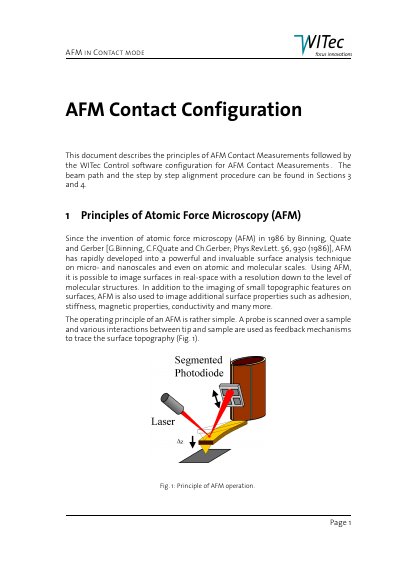
This manual explains the principles of atomic force microscopy (AFM) in contact mode and provides detailed instructions for configuring the WITec Control software. It covers beam‑path alignment, cantilever selection, and the software interface used for AFM contact measurements.
The document guides users through the adjustment and alignment procedures, describes the speed‑button functions, control window layout, and data acquisition sequencers (Image Scan, Line Scan, Distance Curve), and includes recommended parameter settings for successful measurements.
Covers: Principles of Atomic Force Microscopy · Cantilever Choice and Approach · WITec Control AFM Contact Configuration · Speed Buttons and Control Window · Data Sources and Status Window · Quadrant Window Alignment
Latest WITec manuals
WITec Alpha300/Alpha500/Alpha700 AFM Contact Mode User Manual
User Manual 18 pages · 2.1 MB · ENUser manual for WITec alpha300/alpha500/alpha700 atomic force microscopes describing contact‑mode principles, setup, and operation.
Which document do I need?
User Manual
Day-to-day operation, settings and troubleshooting. Start here if the product is already set up.
Questions answered in WITec manuals
What cantilever spring constant should be used for AFM contact mode?
Cantilevers with spring constants below 1 N/m are recommended for contact‑mode measurements.
From: WITec Alpha300/Alpha500/Alpha700 AFM Contact Mode User Manual
How can I start an automatic tip approach in the WITec software?
Press the Auto‑Approach speed button or select the Start Approach button from the Microscope Z Control menu.
From: WITec Alpha300/Alpha500/Alpha700 AFM Contact Mode User Manual