
Key facts
- Manuals
- 1
- Languages
- EN
- Last added
- 2023-10-31
Featured Zetta manuals
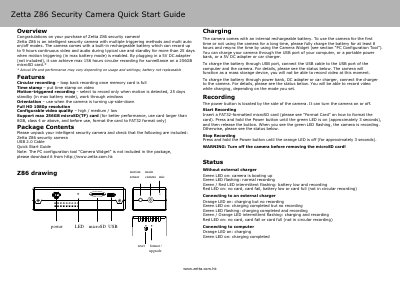
Zetta Z86 Security Camera Quick Start Guide
Zetta Z86 is an intelligent security camera with multiple triggering methods and auto on/off modes. It has a built-in rechargeable battery and can record up to 9 hours of continuous video and audio during typical use; with motion triggering enabled in max battery mode, standby is more than 25 days. Using a 5V DC adapter and a 256GB microSD card, it can provide up to 156 hours of circular recording.
The quick start guide covers package contents, charging through USB, power bank, DC adapter or car charger, start/stop recording with the Power button, LED status indications, custom settings via the Camera Widget PC tool, card formatting, computer connection, firmware upgrade and support.
Covers: Overview · Features · Package Contents · Charging · Recording · Status
Latest Zetta manuals
Zetta Z86 Security Camera Quick Start Guide
Quick Start Guide 4 pages · 253 KB · ENQuick start guide for the Zetta Z86 security camera covering charging, recording, LED status, settings, card formatting, and computer connection.
Which document do I need?
Quick Start Guide
The shortest path to a working setup, usually only a few pages.
Questions answered in Zetta manuals
How long can the Zetta Z86 record on its battery?
It can record up to 9 hours of continuous video and audio during typical use.
How do I start recording on the Z86?
Press and hold the Power button until the green LED is on for about 3 seconds, then release it. A flashing green LED means the camera is recording.