
Key facts
- Manuals
- 1
- Languages
- ZH
- Last added
- 2012-01-21
Featured XD manuals
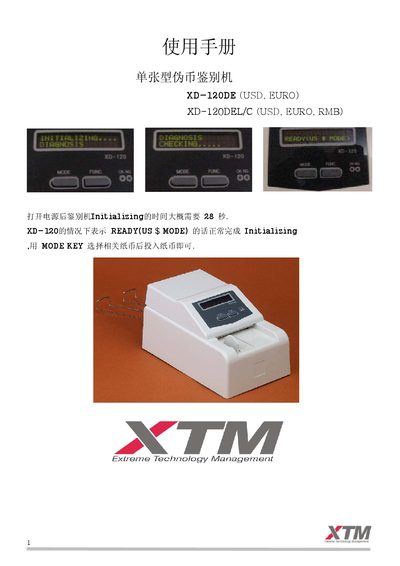
XD XD-120DE / XD-120DEL/C Counterfeit Currency Detector User Manual
This manual describes how to install the XD‑120 series counterfeit currency detector, including site preparation, power connection, and initial self‑check. After powering on, the device initializes in about 28 seconds and enters READY mode, after which the appropriate currency mode can be selected with the MODE key.
It also covers normal operation (mode selection, width adjustment, correct bill feeding), service mode functions such as test modes, cumulative and total calculations, and printer connection. Daily maintenance procedures, error codes, and troubleshooting steps are provided to ensure reliable long‑term performance. This manual is written in Chinese.
Covers: Installation Procedure · Features and Functions · Operation Method · Service Mode · Daily Inspection · Troubleshooting Guide
Latest XD manuals
XD XD-120DE / XD-120DEL/C Counterfeit Currency Detector User Manual
User Manual 15 pages · 697 KB · ZHThe XD-120DE/ XD-120DEL/C manual provides installation steps, operation instructions, service mode functions, daily checks, and troubleshooting for the…
Which document do I need?
User Manual
Day-to-day operation, settings and troubleshooting. Start here if the product is already set up.
Questions answered in XD manuals
What daily maintenance is recommended to keep the sensors working properly?
Clean sensor surfaces with alcohol, remove dust or foreign objects, lubricate drive parts, and avoid changing internal settings without guidance.
From: XD XD-120DE / XD-120DEL/C Counterfeit Currency Detector User Manual