
The XD-120DE/ XD-120DEL/C manual provides installation steps, operation instructions, service mode functions, daily checks, and troubleshooting for the…
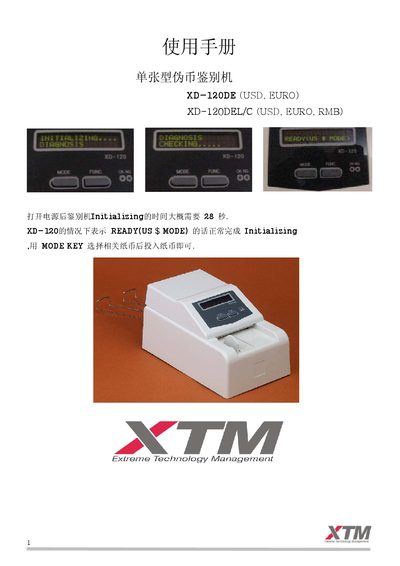
This manual describes how to install the XD‑120 series counterfeit currency detector, including site preparation, power connection, and initial self‑check. After powering on, the device initializes in about 28 seconds and enters READY mode, after which the appropriate currency mode can be selected with the MODE key.
It also covers normal operation (mode selection, width adjustment, correct bill feeding), service mode functions such as test modes, cumulative and total calculations, and printer connection. Daily maintenance procedures, error codes, and troubleshooting steps are provided to ensure reliable long‑term performance. This manual is written in Chinese.
| Weight | ≈ 1.8 kg |
|---|---|
| Power consumption | 40 W |
| Input voltage | AC 86 V–264 V, 50/60 Hz |
| Detection speed | 1.0 s per bill |
| Detection method | IR, magnetic, UV, RGB optical sensors |
Clean sensor surfaces with alcohol, remove dust or foreign objects, lubricate drive parts, and avoid changing internal settings without guidance.