
Key facts
- Manuals
- 1
- Languages
- EN
- Last added
- 2023-10-26
Featured WatchGas manuals
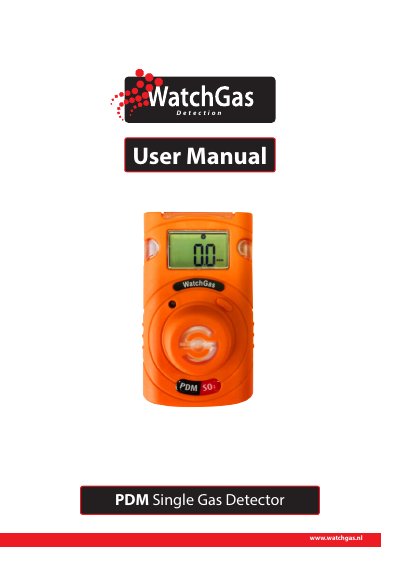
WatchGas PDM Single Gas Detector User Manual
The WatchGas PDM Single Gas Detector is a portable multigas monitor designed to alert users to dangerous gas concentrations. It features real-time gas detection, alarms via sound, vibration, and flashing LEDs, and a display showing concentration levels. The device is activated by holding the key for three seconds and requires regular calibration and maintenance. It is not repairable or modifiable, and its battery and sensor are disposable. Calibration and self-test procedures are detailed, including fresh air and standard gas calibration, and bump tests are configurable via IR-Link.
Safety warnings emphasize proper use, regular testing, and avoiding unauthorized modifications. The device displays alarm thresholds for gases like oxygen, CO, H2S, and others, with default values based on international standards. Users must ensure clean air for calibration and avoid using the device beyond its 24-month lifespan.
Covers: Product Overview · Activation · Mode · Alarms / Battery / Test Failure Display · Calibration · Self Test & Bump Test
Latest WatchGas manuals
WatchGas PDM Single Gas Detector User Manual
User Manual 14 pages · 932 KB · ENUser manual for the WatchGas PDM Single Gas Detector, covering operation, calibration, alarms, and safety warnings.
Which document do I need?
User Manual
Day-to-day operation, settings and troubleshooting. Start here if the product is already set up.
Questions answered in WatchGas manuals
How do I activate the PDM?
Press and hold the key for three seconds. After a 10-second countdown, the device will stabilize and enter detection mode.
What happens if calibration fails?
The device will display a failure message and beep intermittently. Check for contaminants or empty gas cylinders and retry. If it fails repeatedly, contact WatchGas.