
Key facts
- Manuals
- 1
- Languages
- EN
- Last added
- 2026-11-05
Featured Thomas Dudley Ltd manuals
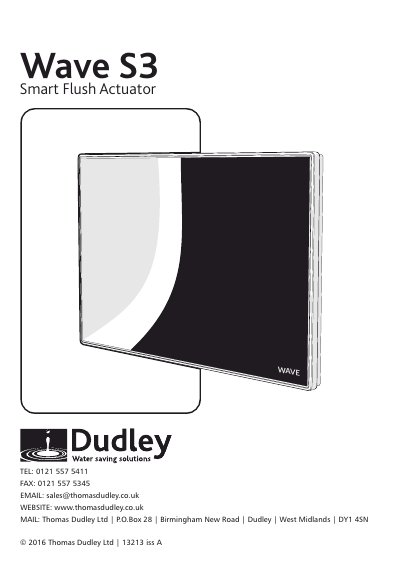
Thomas Dudley Ltd Wave S3Smart Flush Actuator User Manual
This manual provides step-by-step instructions for installing and configuring the Wave S3Smart Flush Actuator. It covers mounting options, pneumatic and electrical connections, flush testing, and adjusting fill delay and boost settings. The unit uses motion detection to activate full or partial flushes, with configurable activation detection range (ADR) for different environments.
Operation includes locking the unit, activating flushes by waving a hand, and handling obstructions. Icons indicate status: blue for active, red for obstruction, and inactive when outside range. The manual also includes safety and cleaning instructions.
Covers: Mounting Options · Connections · Fill Delay · Boost Settings · Activation Detection Range (ADR) Configuration · Locking the Unit
Latest Thomas Dudley Ltd manuals
Thomas Dudley Ltd Wave S3Smart Flush Actuator User Manual
User Manual 8 pages · 928 KB · ENUser manual for the Wave S3Smart Flush Actuator by Thomas Dudley Ltd, covering installation, wiring, activation range setup, and operation.
Which document do I need?
User Manual
Day-to-day operation, settings and troubleshooting. Start here if the product is already set up.
Questions answered in Thomas Dudley Ltd manuals
How do I install the Wave S3Smart Flush Actuator?
Cut a recess into the wall or panelling using the provided fixing template. Install the mounting frame directly to the wall (Option 1), or with a bridging tunnel (Options 2 or 3) depending on your setup.
From: Thomas Dudley Ltd Wave S3Smart Flush Actuator User Manual
How do I configure the activation detection range?
Initiate scanning by pressing both rear buttons. For automatic setup, place the unit on the frame and vacate the area. For manual setup, stand at the desired range during scanning.
From: Thomas Dudley Ltd Wave S3Smart Flush Actuator User Manual