
Key facts
- Manuals
- 1
- Languages
- EN
- Last added
- 2023-10-12
Featured Talk-a-Phone manuals
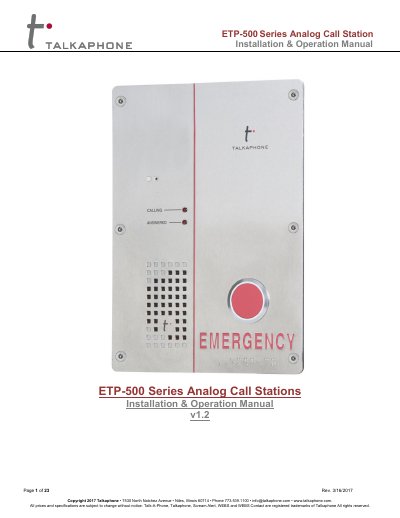
Talkaphone ETP-500 Series Analog Call Station Installation & Operation Manual
This manual provides instructions for installing and operating the Talkaphone ETP-500 Series Analog Call Station. It details hardware installation steps, including connecting the RJ11 cable to the phone line and grounding the unit, as well as securing the device using the included TS-20 Pin-in-Torx screws. The guide also covers the use of mounting accessories like the MS-600 Mounting Sleeve.
Covers: Introduction · What Is in the Box · Technical Requirements · Hardware Installation · Software Programming · Quick Programming Guide
Latest Talk-a-Phone manuals
Talkaphone ETP-500 Series Analog Call Station Installation & Operation Manual
User Manual 23 pages · 724 KB · ENInstallation and operation guide for the Talkaphone ETP-500 Series Analog Call Station, covering hardware setup, programming, and usage instructions.
Which document do I need?
User Manual
Day-to-day operation, settings and troubleshooting. Start here if the product is already set up.
Questions answered in Talk-a-Phone manuals
What is the default Guard Access Code?
The default Guard Access Code is *4*.
From: Talkaphone ETP-500 Series Analog Call Station Installation & Operation Manual
How do I program the primary phone number?
Enter the code *13* followed by the phone number and then *.
From: Talkaphone ETP-500 Series Analog Call Station Installation & Operation Manual