
Key facts
- Manuals
- 1
- Languages
- EN
- Last added
- 2026-11-06
Featured Quantenna manuals
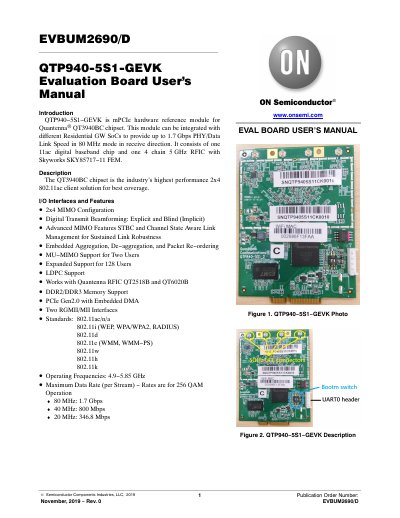
Quantenna QTP940-5S1-GEVK Evaluation Board User's Manual
This document provides instructions for using the QTP940-5S1-GEVK evaluation board, a hardware reference module for the Quantenna® QT3940BC chipset. It covers power configuration, UART header setup, boot mode switch, console display, web GUI access, and telnet login. The board supports 2x4 MIMO, 802.11ac/n/a, and operates in 4.9–5.85 GHz frequencies with up to 1.7 Gbps PHY speed in 80 MHz mode.
The board is intended for research and development purposes only and is not a finished product. Users must have technical training and assume full responsibility for safe handling. The manual includes disclaimers regarding liability, usage, and compliance with regulations.
Covers: Introduction · Description · I/O Interfaces and Features · Power Configuration · UART Header · Boot Mode Switch
Latest Quantenna manuals
Quantenna QTP940-5S1-GEVK Evaluation Board User's Manual
User Manual 4 pages · 734 KB · ENUser manual for the Quantenna QTP940-5S1-GEVK evaluation board, detailing power, UART, boot mode, web GUI, and telnet access.
Which document do I need?
User Manual
Day-to-day operation, settings and troubleshooting. Start here if the product is already set up.
Questions answered in Quantenna manuals
What is the default IP address for the QTP940-5S1-GEVK board?
The default IP address is 192.168.1.200.
From: Quantenna QTP940-5S1-GEVK Evaluation Board User's Manual
How do I access the board via telnet?
Use the board’s IP address and log in with username 'root'.
From: Quantenna QTP940-5S1-GEVK Evaluation Board User's Manual