
Key facts
- Manuals
- 1
- Languages
- ES
- Last added
- 2023-11-15
Featured Powermeter manuals
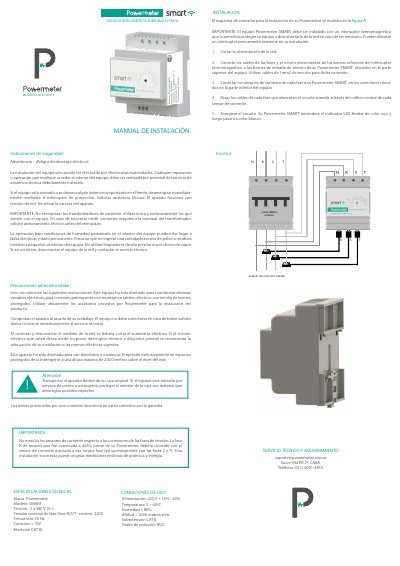
Powermeter SMART Smart Electricity Meter Installation and Quick Start Guide
This document is the installation manual and quick start guide for the Powermeter SMART, a smart three-phase electricity meter (medidor inteligente de energía eléctrica) that works as a bidirectional network analyzer with WiFi connectivity. It mounts on a DIN rail in an electrical panel and is designed for domestic and commercial use in protected indoor locations. The installation section covers safety warnings, the connection diagram (Figura A), and the wiring steps, which require a thermal magnetic breaker, 1 mm² cables for the voltage terminals, and the supplied current sensors, which must not be mixed between phases.
The quick start section explains how to create a Powermeter user account at panel.powermeter.com.ar, connect to the meter's Powermeter_xxxxxxxx WiFi network (default password "powermeter"), and open the configuration portal at 192.168.4.1 within 5 minutes of power-up. It also describes the front LED indicator states (red, white, green, blue) that show startup and connection status, and notes that the full user manual is available online at powermeter.com.ar. This manual is written in Spanish.
Covers: Precautions before installation · Safety indications · Connection diagram · Installation steps · Technical specifications · Conditions of use
Latest Powermeter manuals
Powermeter SMART Smart Electricity Meter Installation and Quick Start Guide
Installation Guide 2 pages · 633 KB · ESInstallation guide and quick start manual for the Powermeter SMART, a three-phase bidirectional smart electricity meter with WiFi connectivity.
Which document do I need?
Installation Guide
Mounting, wiring and first power-up. Read it before the hardware goes in.
Questions answered in Powermeter manuals
Who is allowed to install the Powermeter SMART?
Only licensed electricians may install the equipment, and any repair involving access to the inside of the unit must be done by qualified technical service personnel.
From: Powermeter SMART Smart Electricity Meter Installation and Quick Start Guide
How do I open the meter's configuration portal?
Connect to the meter's Powermeter_xxxxxxxx WiFi network (default password "powermeter"), then open a web browser and enter 192.168.4.1 in the address bar.
From: Powermeter SMART Smart Electricity Meter Installation and Quick Start Guide