
Key facts
- Manuals
- 1
- Languages
- EN
- Last added
- 2023-10-18
Featured PDT manuals
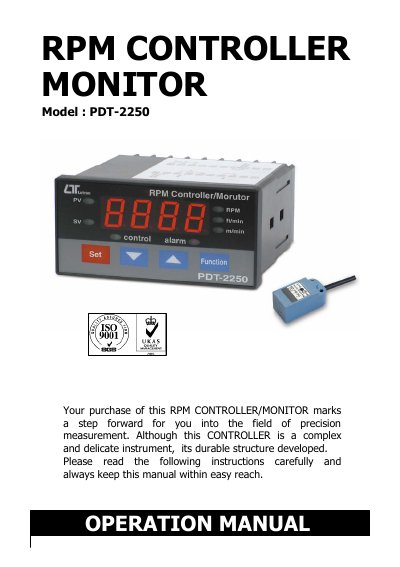
PDT PDT-2250 RPM Controller Monitor User Manual
This manual provides instructions for operating the PDT-2250 RPM controller monitor, including setup, measurement procedures, and relay functions. It details how to configure RPM, surface speed (m/min, ft/min), and alarm/control settings. The device features RS232 serial output for PC integration and supports optional proximity sensors. Safety warnings and environmental specifications are included for proper use.
Covers: Features · Specifications · Front Panel Description · Measuring Procedure · RS232 PC Serial Interface · System Reset
Latest PDT manuals
PDT PDT-2250 RPM Controller Monitor User Manual
User Manual 20 pages · 164 KB · ENUser manual for the PDT-2250 RPM controller monitor, covering operation, settings, RS232 interface, and optional sensors.
Which document do I need?
User Manual
Day-to-day operation, settings and troubleshooting. Start here if the product is already set up.
Questions answered in PDT manuals
What is the maximum relay load current allowed?
Do not apply the relay contact load current > 0.5 A, otherwise the relay may be damaged permanently without warranty.
How do I reset the system?
Power on the meter, press " Set Button " and " Function Button " continuously more than 5 seconds until the Display shows " rSt ", then release. After " rSt " flashes twice, the system returns to normal with all calibration data cleared.