
Key facts
- Manuals
- 1
- Languages
- EN
- Last added
- 2026-11-17
Featured NetThings manuals
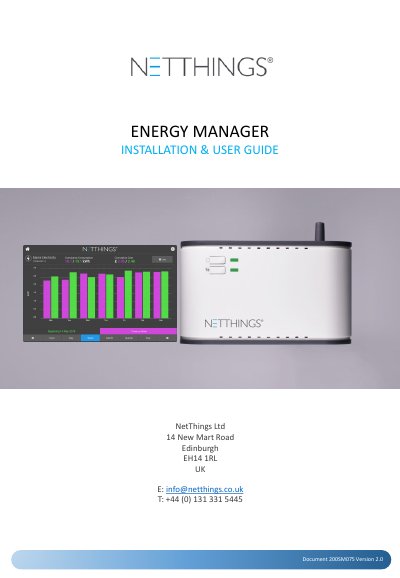
NetThings Energy Manager Installation & User Guide
This is the NetThings Energy Manager installation and user guide, published by NetThings Ltd in Edinburgh as document 200SM075, version 2.0. It walks through an eight-step installation, the wiring of the controller's channels, commissioning the Energy Manager from the display, everyday use of the display, and additional information and specifications, plus appendices on M-Bus installation and Evinox integration.
The guide describes the Energy Manager as a mains powered energy monitoring solution made up of a controller and a mounted display that are linked by WiFi with no cables between them. Electricity is monitored through current transducers or a pulse connection, and gas, water and heating through pulse and M-Bus inputs where fitted. It covers pairing with WPS or with the SSID and password, setting up electricity and pulse channels, activating the configuration, and reading current and historical consumption on the display.
Covers: Installation Overview · Installation Connections · Commissioning the Energy Manager · Configuration · Using the Energy Manager · Understanding the Information
Latest NetThings manuals
NetThings Energy Manager Installation & User Guide
User Manual 20 pages · 1.5 MB · ENInstallation and user guide for the NetThings Energy Manager: CT and pulse channel wiring, Wi-Fi pairing, commissioning, and M-Bus setup.
Which document do I need?
User Manual
Day-to-day operation, settings and troubleshooting. Start here if the product is already set up.
Questions answered in NetThings manuals
How far can the Energy Manager controller and display be from each other?
The distance between the display and the controller should not exceed 5 metres, because solid walls and obstructions can affect the WiFi signal.
From: NetThings Energy Manager Installation & User Guide
How do I pair the display to the controller using WPS?
Press and hold the # button on the Energy Manager for 3 seconds until its LED turns solid green and release it, then press the WPS symbol on the display screen.
From: NetThings Energy Manager Installation & User Guide