
Key facts
- Manuals
- 1
- Languages
- EN
- Last added
- 2026-11-16
Featured MINJCODE manuals
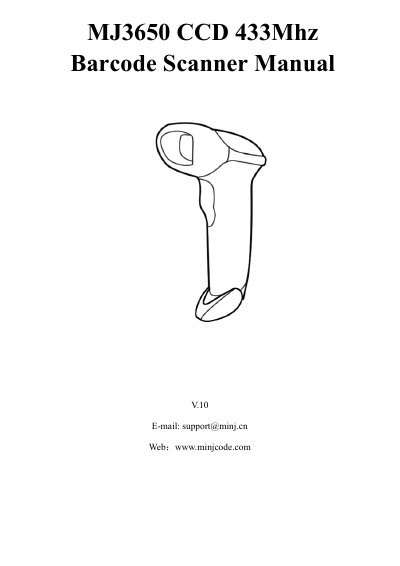
Minjcode MJ3650 CCD 433MHz Barcode Scanner User Manual
The Minjcode MJ3650 is a CCD 433 MHz barcode scanner. This manual covers its technical parameters, packing list, battery charging, setup steps, FAQs, troubleshooting, and optional function settings.
Optional settings are changed by scanning setup barcodes in the manual, including upload mode, scanning mode, duplicated barcode detection, beep, keyboard language, case sensitivity, power-off, end character, barcode type enable/disable, and data editing.
Covers: Technical Parameter · Packing list · Battery Charging · Set Up Step · FAQs · Troubleshooting
Latest MINJCODE manuals
Minjcode MJ3650 CCD 433MHz Barcode Scanner User Manual
User Manual 46 pages · 1.3 MB · ENUser manual for the Minjcode MJ3650 CCD 433 MHz barcode scanner, covering setup, charging, troubleshooting, and optional settings.
Which document do I need?
User Manual
Day-to-day operation, settings and troubleshooting. Start here if the product is already set up.
Questions answered in MINJCODE manuals
Why does the scanner not read the barcode exactly?
Two adjacent barcodes, prefix or suffix settings, or keyboard language settings can cause unexpected output; scan the suggested setup codes or contact customer service.
From: Minjcode MJ3650 CCD 433MHz Barcode Scanner User Manual
Why can some barcodes not be read?
Incomplete or unclear barcodes might not be read, or the barcode type may be disabled by default and needs to be activated.
From: Minjcode MJ3650 CCD 433MHz Barcode Scanner User Manual