
Key facts
- Manuals
- 1
- Languages
- EN
- Last added
- 2023-11-03
Featured HOMEWIZARD manuals
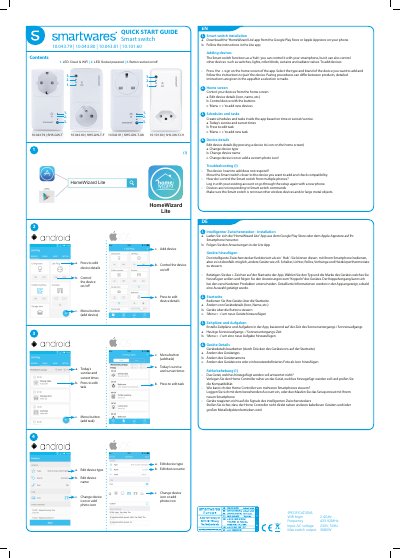
HomeWizard Lite Smart Switch Quick Start Guide
This quick start guide covers the HomeWizard Lite smart switch and the HomeWizard Lite app. It explains how to download the app from the Google Play Store or Apple Appstore, install the smart switch and add devices, since the switch works as a hub that can also control switches, lights, roller blinds, curtains and radiator valves.
The guide then describes the home screen, creating schedules and tasks based on time or sunrise and sunset, and editing device details such as type, name and icon or custom photo. A troubleshooting section addresses devices that do not respond and controlling the switch from multiple phones, followed by specifications and the contents of the package. The text is printed in English, German, Italian and French.
Covers: Smart switch installation · Adding devices · Home screen · Schedules and tasks · Device details · Troubleshooting
Latest HOMEWIZARD manuals
HomeWizard Lite Smart Switch Quick Start Guide
Quick Start Guide 5 pages · 2 MB · ENHomeWizard Lite smart switch quick start guide covering installation, adding devices, home screen control, schedules and tasks, device details and…
Which document do I need?
Quick Start Guide
The shortest path to a working setup, usually only a few pages.
Questions answered in HOMEWIZARD manuals
How do I install the HomeWizard Lite smart switch?
Download the HomeWizard Lite app from the Google Play Store or Apple Appstore on your phone and follow the instructions in the Lite app.
Can the smart switch control other devices?
Yes, it functions as a hub and can also control other devices such as switches, lights, roller blinds, curtains and radiator valves.