
Key facts
- Manuals
- 1
- Languages
- EN
- Last added
- 2026-11-12
Featured Gram manuals
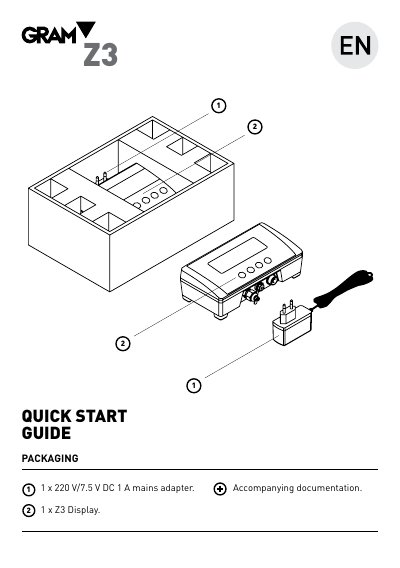
Gram Z3 Weighing Display Quick Start Guide
The Gram Z3 is a weighing display whose quick start guide covers packaging contents, button functions, display components, and basic operations such as taring, printing tickets, accumulated totals, and hold mode.
It also documents the scale configuration menu, setup options, calibration steps, geographical adjustment values, and load cell connection pin assignments.
Covers: Quick Start Guide · Button Functions · Display Components · Keyboard and Display · Basic Functions · Menu Map of Scale Configuration
Latest Gram manuals
Gram Z3 Weighing Display Quick Start Guide
Quick Start Guide 8 pages · 255 KB · ENQuick start guide for the Gram Z3 weighing display, covering buttons, basic weighing, printing, hold mode, setup menu, calibration, and load cell connection.
Which document do I need?
Quick Start Guide
The shortest path to a working setup, usually only a few pages.
Questions answered in Gram manuals
How do I tare a container on the Gram Z3?
Place the container on the platform, wait for a stable reading, press the tare key, and check that tare is shown with a reading of 0.
How do I print a simple ticket?
Place an object on the platform, wait for a stable reading, then press the print key.