
Key facts
- Manuals
- 1
- Languages
- EN
- Last added
- 2023-11-18
Featured golden interstar manuals
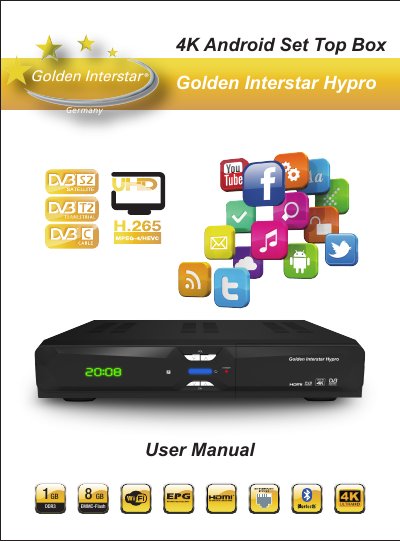
Golden Interstar Hypro 4K Android Set Top Box User Manual
This user manual covers the Golden Interstar Hypro 4K Android set top box, including safe use, hardware connections, remote control and first-time software installation. It explains how to search for digital satellite TV and radio channels, watch live TV, and use features such as PVR, time-shift, EPG, timer and channel manager.
The manual also describes Android media box functions, including installing apps from the Google Play Store, external USB/SD storage and the TV app store, customizing the launcher, and using Miracast, AirPlay and DLNA. It ends with system settings, system upgrade, troubleshooting guidance and hardware specifications.
Covers: Safe Caution · Unpacking and Setup Hardware · Front Panel · Rear Panel · Hardware Installation · Remote Control
Latest golden interstar manuals
Golden Interstar Hypro 4K Android Set Top Box User Manual
User Manual 162 pages · 22.7 MB · ENUser manual for the Golden Interstar Hypro 4K Android set top box covering setup, satellite TV, Android apps, system settings and troubleshooting.
Which document do I need?
User Manual
Day-to-day operation, settings and troubleshooting. Start here if the product is already set up.
Questions answered in golden interstar manuals
What is the default password for the media box?
The default password is 0000 for the media box.
From: Golden Interstar Hypro 4K Android Set Top Box User Manual
How do I connect the set top box to a television?
Connect the interfaces on the television with the corresponding interfaces on the product, such as connecting the product to the TV set through the HDMI cable, then connect the power and turn on the switch.
From: Golden Interstar Hypro 4K Android Set Top Box User Manual