
Key facts
- Manuals
- 1
- Languages
- EN
- Last added
- 2023-10-31
Featured Gold Note manuals
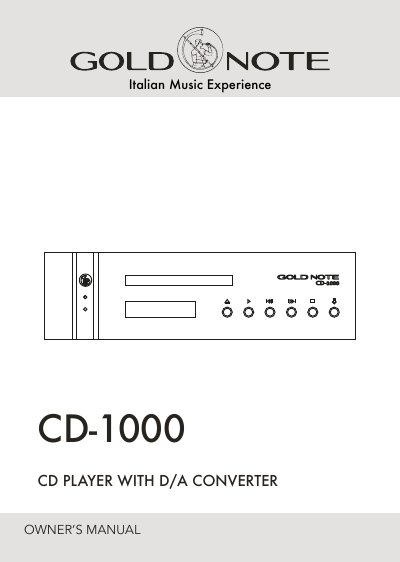
Gold Note CD-1000 CD Player with D/A Converter Owner's Manual
The Gold Note CD-1000 is described in this owner's manual as a CD player with an integrated D/A converter. The manual lists a 24bit/192kHz D/A converter, S/PDIF coaxial and TOS optical digital inputs, an optional USB input, a JPL2580 drawer transport, a Dual-Mono power supply, and an output stage using a PCM1796 D/A converter. Optional external units named in the text are the TUBE-1012, TUBE-1006, and PSU-1000.
The document covers important safety information, description and specifications, front and rear panel overviews, display functions, the standard and optional deluxe remote controls, troubleshooting, warranty registration, and service contact information.
Covers: Important Safety Information · Description & Specifications · Front & Rear Panel · Display · Remote Control · Deluxe Remote Control (Optional)
Latest Gold Note manuals
Gold Note CD-1000 CD Player with D/A Converter Owner's Manual
User Manual 12 pages · 1.2 MB · ENGold Note CD-1000 CD player with D/A converter owner's manual covering safety, specifications, controls, display, remote, troubleshooting, and warranty.
Which document do I need?
User Manual
Day-to-day operation, settings and troubleshooting. Start here if the product is already set up.
Questions answered in Gold Note manuals
How do I repeat all tracks on a CD?
Press RPT twice on the remote to repeat all the tracks in a loop.
From: Gold Note CD-1000 CD Player with D/A Converter Owner's Manual
What should I check if the CD player does not read a CD?
Make sure the CD is properly inserted with the label or printed side facing up.
From: Gold Note CD-1000 CD Player with D/A Converter Owner's Manual