
Key facts
- Manuals
- 1
- Languages
- EN
- Last added
- 2026-11-16
Featured EDTM manuals
EDTM SP2065 Solar Transmission & Power Meter User Manual
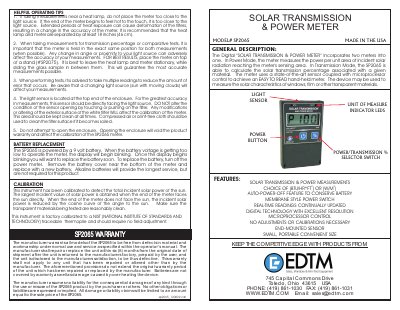
The EDTM SP2065 is a digital solar transmission and power meter that combines two measurement functions. In power mode it measures the power per unit area of incident solar radiation reaching its sensing area; in transmission mode it calculates the solar transmission percentage of a material. The hand-held meter uses an end-mounted light sensor and microprocessor control and can be used on windows, film, or other transparent materials.
This user manual describes the meter's features, battery replacement, calibration, and helpful operating tips. It also explains measuring installed windows, setting up tabletop demonstrations or QC workstations, and changing the unit of measure between Watts/Meter and BTU/hour*foot.
Covers: General Description · Features · Battery Replacement · Calibration · Helpful Operating Tips · Measuring Installed Windows
Latest EDTM manuals
EDTM SP2065 Solar Transmission & Power Meter User Manual
User Manual 2 pages · 1.2 MB · ENEDTM SP2065 Solar Transmission & Power Meter user manual covering power and transmission measurements, battery replacement, calibration, and operating tips.
Which document do I need?
User Manual
Day-to-day operation, settings and troubleshooting. Start here if the product is already set up.
Questions answered in EDTM manuals
How do I take a solar transmission measurement?
Turn on the meter, face its light sensor directly at the light source, press the blue % switch to self-calibrate to P100, then place the window or film sample between the light source and the meter to read the transmission percentage.
From: EDTM SP2065 Solar Transmission & Power Meter User Manual
What should I do when the display starts blinking?
The battery voltage is getting too low to operate the meter, so replace the battery soon.
From: EDTM SP2065 Solar Transmission & Power Meter User Manual