
Key facts
- Manuals
- 1
- Languages
- EN
- Last added
- 2023-10-26
Featured Diagraph manuals
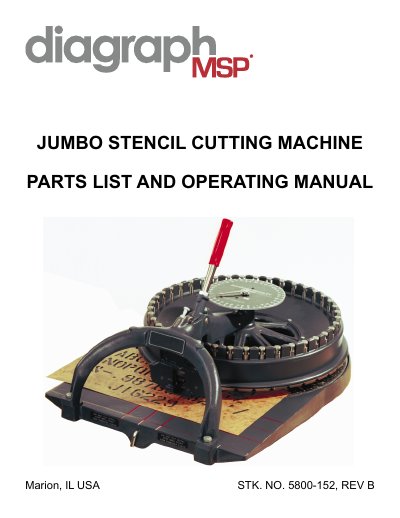
Diagraph Jumbo 2" Stencil Cutting Machine Parts List and Operating Manual
This operating manual and parts list for the Diagraph Jumbo Stencil Cutting Machine explains preparation before use, loading a stencil board between the feed wheels, aligning it with the red lines, selecting characters on the die disc, and cutting by pulling the handle. It also describes using the spacing character and cutting successive lines.
The document includes troubleshooting for characters that do not cut, improper spacing and stencil boards that do not feed straight, plus maintenance and punch and die replacement instructions. A parts list with stock numbers and a punch and die assembly number list are included.
Covers: Operating Instructions · Problems and Corrections · Character Does Not Cut · Improper Spacing · Stencil Board Not Feeding Straight · Maintenance
Latest Diagraph manuals
Diagraph Jumbo 2" Stencil Cutting Machine Parts List and Operating Manual
User Manual 8 pages · 2.7 MB · ENOperating manual and parts list for the Diagraph Jumbo 2 in. stencil cutting machine, covering setup, cutting, troubleshooting and punch and die replacement.
Which document do I need?
User Manual
Day-to-day operation, settings and troubleshooting. Start here if the product is already set up.
Questions answered in Diagraph manuals
How do I cut a spacing character on the Jumbo stencil machine?
Pull the handle approximately halfway down until a definite clicking sound is heard.
From: Diagraph Jumbo 2" Stencil Cutting Machine Parts List and Operating Manual
What should I do if a character does not cut?
Adjust the stop screw nearest the operator on the yoke to lengthen the handle stroke, inspect the punch and die for paper segments, and contact the Diagraph sales office if the problem continues.
From: Diagraph Jumbo 2" Stencil Cutting Machine Parts List and Operating Manual