
Key facts
- Manuals
- 1
- Languages
- ZH
- Last added
- 2023-10-20
Featured CAE manuals
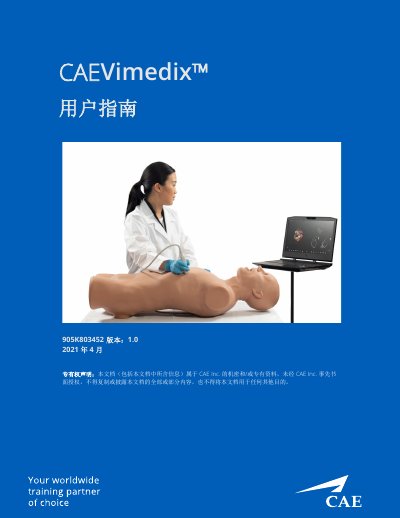
CAE Vimedix Ultrasound Simulator User Guide 905K803452
This is the CAE Vimedix user guide, document number 905K803452, version 1.0 dated April 2021, for software version Vimedix 3.2. It covers the ultrasound simulation system made up of the Bob 1.3 and Catherine mannequins, a laptop, a power converter and cable, a wireless mouse and an external motion tracker, along with optional probes (phased, TEE, curved and endovaginal) and a mask and additional case/pathology sets. The guide opens with specifications, cautions and warnings, and electrical safety notes.
The rest of the guide walks through setting up the workspace and laptop, connecting the hardware, starting the simulator, accepting the license agreement and calibrating probes. It then explains the interface and toolbars, enhanced reality display, loading pathologies in standard and stealth modes, using probes and preset views, visibility, section and beam tools, 2D and 3D layouts, ultrasound modes, freeze, measurements, annotations, echo reports, capture and recording, training tools, screen sharing software, keyboard shortcuts and mouse control, Vimedix pathology codes, and a help and FAQ chapter with CAE Healthcare customer service contacts. This manual is written in Chinese.
Covers: Version Control · Specifications · Cautions and Warnings · Electrical Safety · Mannequins · Standard Equipment
Latest CAE manuals
CAE Vimedix Ultrasound Simulator User Guide 905K803452
User Manual 139 pages · 7.4 MB · ZHCAE Vimedix ultrasound simulator user guide (905K803452, v1.0): setup, probe calibration, imaging tools, measurements, training and FAQs.
Which document do I need?
User Manual
Day-to-day operation, settings and troubleshooting. Start here if the product is already set up.
Questions answered in CAE manuals
What should I do if the probe does not work?
Unplug the probe from the computer, place it on the mannequin's abdomen and reconnect it to the Sensor 1 port; also check that the mannequin is properly plugged into the power connector and restart the simulator.
From: CAE Vimedix Ultrasound Simulator User Guide 905K803452
Why does the ultrasound image look strange or inaccurate?
Check that the probe is properly calibrated and that no metal surfaces, beds or filing cabinets are near the simulator; other Vimedix mannequins must be at least 6 feet apart.
From: CAE Vimedix Ultrasound Simulator User Guide 905K803452