
Key facts
- Manuals
- 1
- Languages
- EN
- Last added
- 2026-10-16
Featured BroadLink manuals
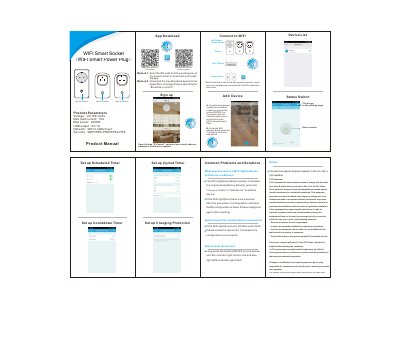
Broadlink Wi-Fi Smart Power Socket User Manual
The Broadlink Wi-Fi Smart Power Socket is designed for use with AC100~240V power supplies, supporting a maximum load current of 10A and a max power of 2200W. It features a USB output of 5V/1A and connects via a 2.4GHz WiFi network (b/g/n) with WEP, WPA-PSK, or WPA2-PSK security protocols. The device includes physical ON/OFF buttons and an indicator light to show status.
Covers: Product Parameters · App Download Method · Device status · Add Device · Set up Scheduled Timer · Common Problems and Solutions
Latest BroadLink manuals
Broadlink Wi-Fi Smart Power Socket User Manual
User Manual 1 pages · 2.2 MB · ENThis manual covers product parameters, setup instructions, timer configuration, and troubleshooting for the Broadlink Wi-Fi Smart Power Socket.
Which document do I need?
User Manual
Day-to-day operation, settings and troubleshooting. Start here if the product is already set up.
Questions answered in BroadLink manuals
How do I download the app for this device?
You can scan the QR code from the packing box or download the free Broadlink App from the Apple Store or Google Play by searching for "Broadlink e-control".
What does a quick-flash blue WiFi light indicate?
A quick-flash blue WiFi light indicates the device is in its original factory default state and is ready to be configured.