
Key facts
- Manuals
- 1
- Languages
- EN
- Last added
- 2023-11-16
Featured AVIRE manuals
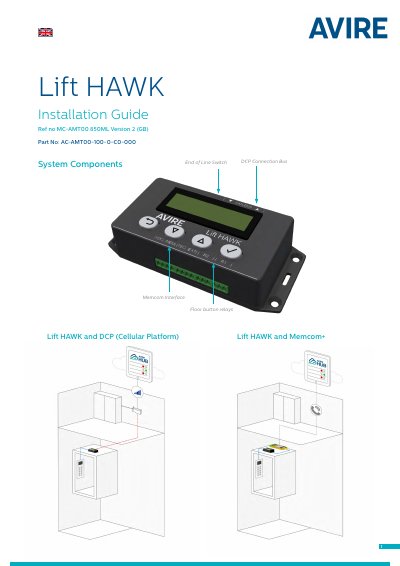
Avire Lift HAWK Elevator Control System Installation Guide
The Avire Lift HAWK Installation Guide (Ref no MC-AMT00 850ML, Version 2) explains mounting the HAWK on top of the lift car (TOC), connecting R1 and R2 to floor button wiring, and connecting it to a DCP or Memcom+ communication device. It provides wiring diagrams, dimensions, the EOL switch setting, and Memcom+ settings.
The guide also covers clock setup, full programming options, and modes including Remote, Timed, Autonomous, Blocked Time Period, and Required Time. It explains how to trigger a remote test with a Memcom system and gives Avire technical support contact information.
Covers: System Components · Installation · Wiring Diagram · Settings required for Memcom+ · Quick Start Menu · Full Programming Options
Latest AVIRE manuals
Avire Lift HAWK Elevator Control System Installation Guide
Installation Guide 28 pages · 1.5 MB · ENAvire Lift HAWK elevator control system installation guide covering top-of-car installation, wiring, Memcom+ settings, and programming modes.
Which document do I need?
Installation Guide
Mounting, wiring and first power-up. Read it before the hardware goes in.
Questions answered in AVIRE manuals
Where should the Lift HAWK be installed?
It must be installed on top of the lift car (TOC) using the screws provided.
From: Avire Lift HAWK Elevator Control System Installation Guide
What does the EOL switch do?
It switches the device to EOL when set to the left; the switch is located next to the CAN BUS.
From: Avire Lift HAWK Elevator Control System Installation Guide