
Key facts
- Manuals
- 1
- Languages
- EN
- Last added
- 2026-11-10
Featured AFINIA LABEL manuals
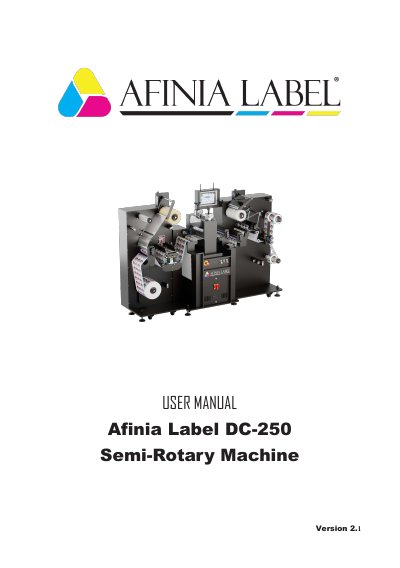
Afinia Label DC-250 Semi-Rotary Label Machine User Manual
This user manual covers the Afinia Label DC-250 semi-rotary label machine. It lists the machine's technical specifications and power requirements, shows the layout and media path, and explains how the unwinder module and the rotary and rewinder module are assembled, leveled and aligned.
Operation sections describe loading the waste, setting the silencer, using the splice table, adding or removing a blade holder, setting the slitter and trim removal modules, rotating or replacing the razor blade, installing the die plate, cutting blank labels, and regular maintenance and safety notes.
Covers: Technical Specifications · Layout and Size · Media Path · Installation · Operation Steps · How to load the waste
Latest AFINIA LABEL manuals
Afinia Label DC-250 Semi-Rotary Label Machine User Manual
User Manual 27 pages · 7.2 MB · ENUser manual for the Afinia Label DC-250 semi-rotary label machine: specifications, installation, media path, waste removal, slitter and die plate setup.
Which document do I need?
User Manual
Day-to-day operation, settings and troubleshooting. Start here if the product is already set up.
Questions answered in AFINIA LABEL manuals
What is the maximum media width of the DC-250?
The DC-250 accepts media up to 250 mm wide.
From: Afinia Label DC-250 Semi-Rotary Label Machine User Manual
What power requirements does the DC-250 have?
It requires 100-240V~ at 1 kW, 50/60 Hz.
From: Afinia Label DC-250 Semi-Rotary Label Machine User Manual