
Key facts
- Brand
- Yaesu
- Model
- SCU-17
- Category
- Communications equipment
- Documents
- 2
- Languages
- EN
- Last added
- 2023-11-29
Start here
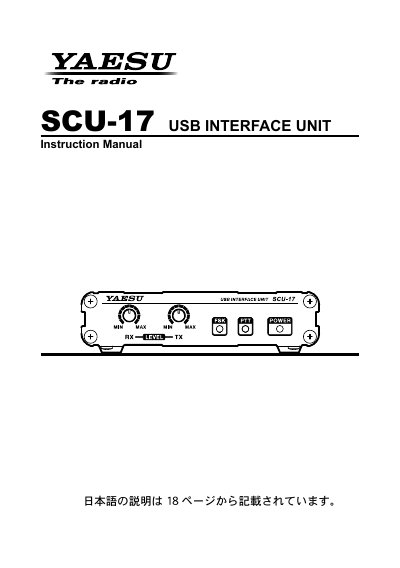
Yaesu SCU-17 USB Interface Unit Instruction Manual
The SCU-17 is a USB interface unit for connecting a transceiver to a computer. According to the manual, it supports CAT control through the USB terminal and communications using SSTV, RTTY, and PSK digital modes. It includes a USB audio system device and a two-channel USB serial device, operates from USB bus power, and uses photo relays for the PTT/FSK terminals and AF transformers in the AUDIO IN/OUT lines.
The instruction manual covers virtual COM port driver installation, supplied accessories, front- and rear-panel controls and connections, and system setup. It also includes compliance and disposal information.
Yaesu SCU-17 specifications
| CAT/RS-232C jack | 9-pin serial DB-9 |
|---|---|
| DATA jack | 6-pin MDIN6P |
| PTT/FSK jack | 3-conductor, 3.5 mm stereo jack |
| Audio IN/OUT jack | 3-conductor, 3.5 mm stereo jack |
| Power source | USB bus power |
| USB serial device | Two-channel |
| PTT/FSK RF isolation | Photo relays |
| AUDIO IN/OUT isolation | AF transformers |
All Yaesu SCU-17 documents by type
Day-to-day operation, settings and troubleshooting. Start here if the product is already set up.
Questions answered in these manuals
What digital modes can be used with the SCU-17?
The manual states that the SCU-17 can be used for communications using SSTV, RTTY, and PSK digital modes.
Does the SCU-17 need an external power supply?
No. The SCU-17 operates from USB bus power.
What can the SCU-17 be used for?
It can be used for CAT control of a transceiver through a computer USB connection and for SSTV, RTTY and PSK digital-mode communications.
Does the SCU-17 require an external power supply?
The manual states that you do not need to prepare an external power supply; it operates from USB bus power.