
Key facts
- Brand
- TotalFlow
- Model
- 6201EX
- Documents
- 2
- Languages
- EN
- Last added
- 2012-06-01
Start here
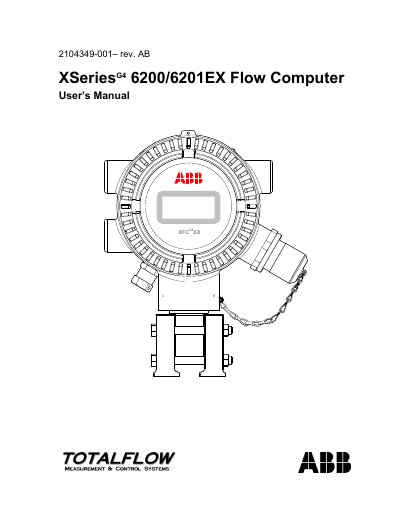
Totalflow XSeriesG4 6200/6201EX Flow Computer User Manual
This manual describes the XSeriesG4 6200/6201EX flow computer, covering system description, hardware components, and licensing. It explains how to install the unit, connect power and communications, and configure the software.
Key sections include step‑by‑step installation, start‑up procedures, maintenance tasks such as battery and board replacement, calibration, and detailed troubleshooting of alarms, power, and communications. Appendices provide register maps and specifications for optional accessories.
TotalFlow 6201EX specifications
| Power External DC Voltage | 9 to 30 VDC |
|---|---|
| Memory (SRAM) | 512 KB |
| Digital Input Open‑Circuit Voltage | 5 VDC (internally pulled up) |
| Digital Input Short‑Circuit Leakage Current | 395 µA typical |
| Analog Input Voltage Range | -5 V to +7 VDC |
All TotalFlow 6201EX documents by type
Day-to-day operation, settings and troubleshooting. Start here if the product is already set up.
Questions answered in these manuals
What power supply voltage does the XFC6200EX require?
The flow computer operates from an external DC supply of 9 to 30 VDC.
How many communication ports are available on the termination board?
Two communication ports are provided, selectable as RS‑232, RS‑422 or RS‑485.