
Key facts
- Brand
- Technics
- Model
- SL-PD8
- Category
- Other Electronics
- Documents
- 2
- Languages
- EN
- Last added
- 2012-07-03
Start here
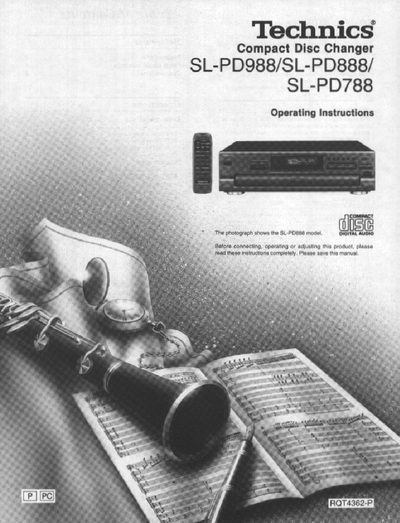
Technics SL-PD988/SL-PD888/SL-PD788 Compact Disc Changer Operating Instructions
This manual provides operating instructions for the Technics SL-PD988, SL-PD888, and SL-PD788 Compact Disc Changers. It details safety precautions, front panel controls, and connection procedures to ensure optimum performance and safety before use.
The guide covers various playback modes including sequential, random, spiral, ID scan, search, skip, repeat, time mode selection, edit guide, pitch control, and auto cue functions. It also explains how to use the remote control transmitter for these models.
All Technics SL-PD8 documents by type
Day-to-day operation, settings and troubleshooting. Start here if the product is already set up.
Questions answered in these manuals
Which models are covered by these operating instructions?
These operating instructions are applicable to the SL-PD988, SL-PD888 and SL-PD788 models.
From: Technics SL-PD988/SL-PD888/SL-PD788 Compact Disc Changer Operating Instructions
What is the power requirement for this unit?
The unit requires a household AC outlet of AC 120 V, 60 Hz.
From: Technics SL-PD988/SL-PD888/SL-PD788 Compact Disc Changer Operating Instructions
What steps are required to prepare the unit for moving?
You must remove all discs to empty the trays, then turn the unit off and on to return any disc in the play section to the tray before opening the drawer.
From: Technics SL-PD8/SL-PD6/SL-PD5 Compact Disc Changer Operating Instructions
What is the procedure to remove discs from all trays?
Press the DISC SKIP button to rotate the disc trays and remove the discs from all disc trays.
From: Technics SL-PD8/SL-PD6/SL-PD5 Compact Disc Changer Operating Instructions