
Key facts
Start here
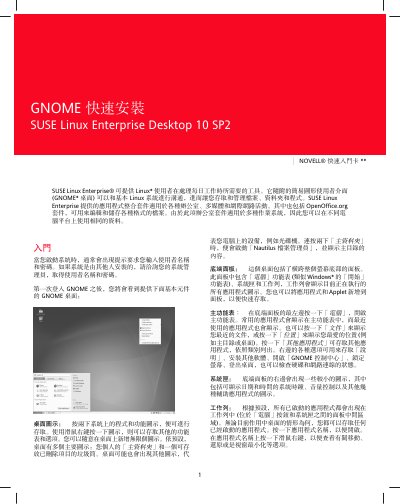
SUSE Linux Enterprise Desktop 10SP2 GNOME Quick Installation Guide
This document serves as a quick installation and usage guide for SUSE Linux Enterprise Desktop 10SP2. It covers the initial system startup, logging into the GNOME desktop environment, and introduces the basic components of the interface. The guide is designed for beginners to help them get started with the system. This manual is written in Chinese.
Read onlineAll SUSE 10 SP2 documents by type
Day-to-day operation, settings and troubleshooting. Start here if the product is already set up.
Questions answered in these manuals
What processor speed is required to install this operating system?
The computer must have a Pentium III processor running at 500 MHz or higher.
From: SUSE Linux Enterprise Desktop 10 SP2 Quick Start Guide
How much physical RAM is the minimum requirement for installation?
The system requires a minimum of 256 MB of physical RAM.
From: SUSE Linux Enterprise Desktop 10 SP2 Quick Start Guide
What desktop environment is provided by default in SUSE Linux Enterprise Desktop 10SP2?
The default desktop environment is GNOME.
From: SUSE Linux Enterprise Desktop 10SP2 GNOME Quick Installation Guide
How do you enable Xgl desktop effects?
Open the Control Center from the Computer menu, select Desktop Effects under Appearance, click Enable Desktop Effects, enter the root password, then log out and log in again.
From: SUSE Linux Enterprise Desktop 10SP2 GNOME Quick Installation Guide