
Key facts
- Brand
- Planar
- Model
- PD470
- Industry
- Electronics
- Documents
- 2
- Languages
- EN
- Last added
- 2012-07-11
Start here
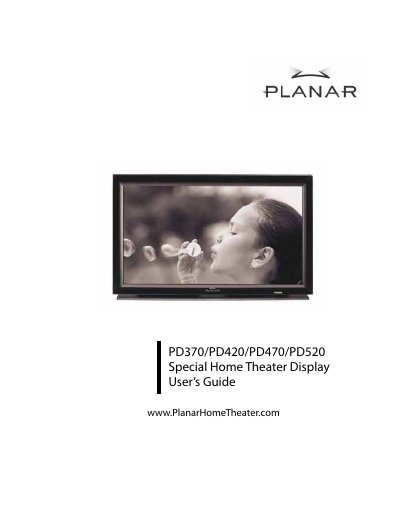
Planar PD370/PD420/PD470/PD520 Special Home Theater Display User's Guide
The Planar PD370/PD420/PD470/PD520 Special Home Theater Display User's Guide provides contact information for Planar customer support, instructions for registering the product, and where to find cables and accessories.
It also includes a multilingual safety warning that directs users to the user's manual on the included CD.
Planar PD470 specifications
| Resolution | 1920 x 1080 |
|---|---|
| Colors | 16.7M colors |
| Viewing Angle | 176(H)/ 176(V) |
| Power Input | 100-240V~ 3A 50/60Hz |
| HDMI Inputs | 2 |
Source: Planar PD370/PD420/PD470/PD520 Special Home Theater Display User's Manual
All Planar PD470 documents by type
Day-to-day operation, settings and troubleshooting. Start here if the product is already set up.
Questions answered in these manuals
What interfaces can this monitor be connected to?
The monitor can be connected to any video source equipment utilizing HDMI, Component Video, S-video, Composite Video, or Computer interfaces.
From: Planar PD370/PD420/PD470/PD520 Special Home Theater Display User's Manual
What is included in the package?
The package includes power cords (US, UK, EU types), Component Cable, Remote Control with batteries, CD, User's Guide, and Finishing Cloth.
From: Planar PD370/PD420/PD470/PD520 Special Home Theater Display User's Manual
How do I register my Planar product?
Visit the Planar website to register your product using the product registration page.
From: Planar PD370/PD420/PD470/PD520 Special Home Theater Display User's Guide
Where can I find cables and accessories for my Planar product?
Planar directs users to its online store for cables and accessories.
From: Planar PD370/PD420/PD470/PD520 Special Home Theater Display User's Guide