
Key facts
- Brand
- PARA Dox
- Model
- MG5050
- Documents
- 2
- Languages
- EN
- Last added
- 2023-10-20
Start here
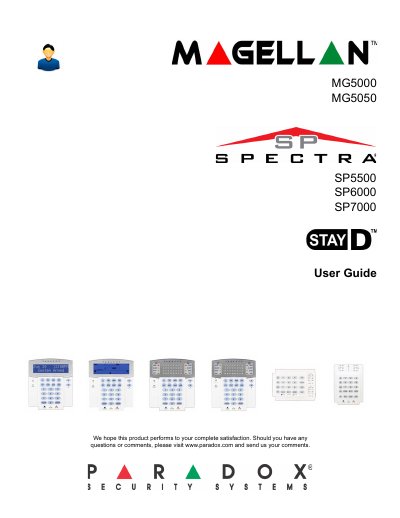
Paradox MG5000 MG5050 SP5500 SP6000 SP7000 User Guide
This user guide explains how to operate and program the Paradox security system models MG5000, MG5050, SP5500, SP6000, and SP7000. It covers basic operations, user settings, arming and disarming modes, bypass programming, and system features. The guide includes detailed steps for configuring user codes, setting delays, managing time and date, and communicating with WinLoad. It also explains how to handle alarms, troubleshoot issues, and use advanced features like StayD mode and remote controls.
The system includes keypad modules such as MG32LRF, MG32LED, MG32I, MG10LEDV/H, and others. Keypad indicator lights provide visual feedback on system status, including armed/disarmed states, trouble conditions, and alarm events. Auditory feedback via beep tones confirms successful actions or indicates errors. The guide advises users to read the manual carefully and consult their installer for basic system operation.
All Paradox MG5050 documents by type
Instruction set, parameters and examples for configuring or programming the device.
Day-to-day operation, settings and troubleshooting. Start here if the product is already set up.
Questions answered in these manuals
What is the default installer code?
The default installer code is 0000 or 000000.
How do I reset the panel?
To reset the panel, remove power, short PG1 and zone 1 terminals, reconnect power, and wait for the STATUS LED to flash and remain illuminated.
What is the maximum value allowed for user delays in seconds?
The maximum value is 255 seconds.
How many user slots are available for programming?
There are 32 user slots available.