
Key facts
- Brand
- Opticon
- Model
- OPL6735
- Industry
- Industrial
- Documents
- 2
- Languages
- ZH
- Last added
- 2022-10-19
Start here
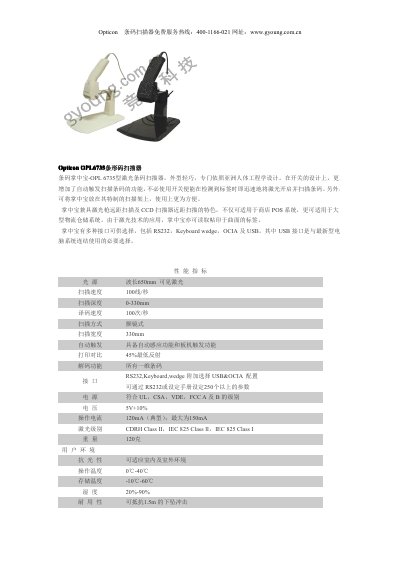
Opticon OPL6735 Barcode Scanner Product Leaflet
The Opticon OPL6735 is a compact laser barcode scanner specifically designed with Asian ergonomics in mind. It features an automatic trigger function that activates the laser immediately upon detecting a label without requiring manual switching. The device supports both long-distance laser scanning and short-distance CCD scanning, making it suitable for POS systems and large logistics warehouses. This manual is written in Chinese.
Read onlineOpticon OPL6735 specifications
| Laser Wavelength | 650nm visible laser |
|---|---|
| Scan Speed | 100 lines/second |
| Scan Depth | 0-330mm |
| Decode Speed | 100 times/second |
| Scan Width | 330mm |
| Weight | 120g |
| Operating Temperature | 0°C - 40°C |
All Opticon OPL6735 documents by type
Questions answered in these manuals
Can the scanner read labels on curved surfaces?
Yes, due to its laser technology application, it can read labels printed on curved surfaces.
What is the automatic trigger function?
It allows the scanner to quickly open and scan the barcode immediately upon detecting a label without using a switch.
Can the OPL6735 read barcodes on curved surfaces?
Yes, due to laser technology, it can read labels printed on curved surfaces.
From: Opticon OPL6735 Laser Barcode Scanner Specifications Sheet
Does the scanner have an automatic trigger function?
Yes, it features an automatic induction and trigger button function to scan upon detecting a label.
From: Opticon OPL6735 Laser Barcode Scanner Specifications Sheet