
Key facts
- Brand
- OM SYSTEM
- Model
- OM-1
- Category
- Digital cameras
- Industry
- Electronics
- Documents
- 2
- Languages
- EN · ZH
- Last added
- 2026-11-16
Start here
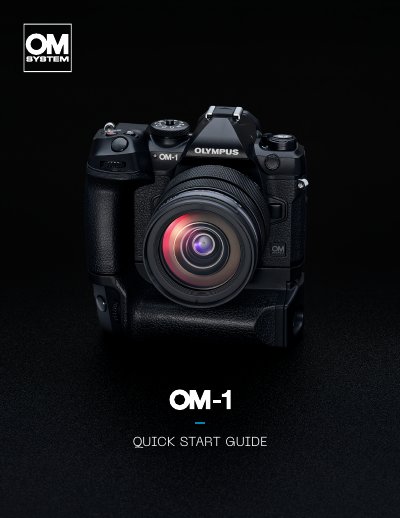
OM SYSTEM OM-1 Camera Quick Start Guide
This quick start guide gives an introductory overview of the OM SYSTEM OM-1 camera. It walks through the front, back, top and side views of the camera body, naming the buttons, dials, levers, connectors and card slots, and it notes that detailed instructions are in the separate user manuals on the OM SYSTEM website.
The guide then explains the Super Control Panel overlay for viewing and changing shooting settings, the P, A, S, M and B shooting modes, the C1 to C4 custom memory slots with sample settings for birds in flight, Pro Capture, macro and landscape, the 1,053-point Cross Quad Pixel AF system with AI Detection AF, and the M.Zuiko lens lineup. It also highlights the camera's portability and its IP53 dustproof and splashproof sealing.
OM SYSTEM OM-1 specifications
| Autofocus system | 1,053 point all Cross Quad Pixel AF |
|---|---|
| Dust and splash resistance | IP53 |
| Image processor | TruePic X |
| Pro Capture buffer | Up to 70 frames in full resolution |
| USB connector | Type C |
| HDMI connector | Type D |
| Microphone jack | 3.5 mm stereo minijack for third-party microphones |
| Headphone jack | 3.5 mm stereo minijack for third-party headphones |
All OM SYSTEM OM-1 documents by type
The shortest path to a working setup, usually only a few pages.
Day-to-day operation, settings and troubleshooting. Start here if the product is already set up.
Questions answered in these manuals
How do I open the Super Control Panel on the OM-1?
The Super Control Panel can be activated as an overlay by pressing the OK button. When shooting with the viewfinder, you can display it by pressing the Live View button.
What does Pro Capture do?
Pro Capture starts shooting the moment the shutter release button is pressed down halfway, with a buffer that can be set to capture up to 70 frames in full resolution.
这本说明书适用于什么型号的照相机?
本说明书用于 OM SYSTEM 数码照相机,型号为 IM027,手册首页也标注 OM-1。
From: OM SYSTEM OM-1 IM027 Digital Camera Instruction Manual
使用照相机前应阅读哪一部分?
使用前必须阅读并理解“11.安全事项”的内容,并将说明书妥善保存以供将来参考。
From: OM SYSTEM OM-1 IM027 Digital Camera Instruction Manual