
Key facts
- Brand
- Numark
- Model
- DJ2GO2 Touch
- Category
- Other Electronics
- Industry
- Electronics
- Documents
- 2
- Languages
- EN
- Last added
- 2026-11-16
Start here
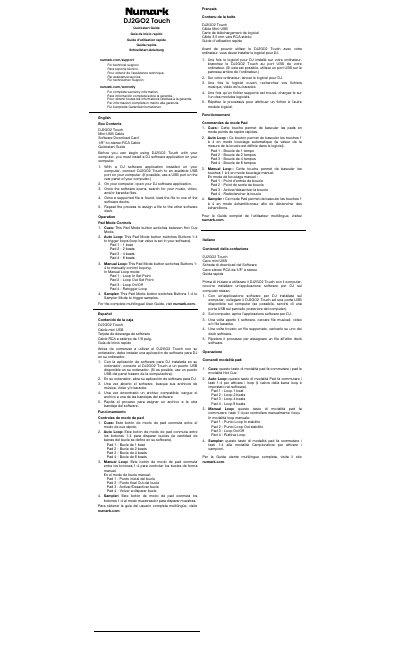
Numark DJ2GO2 Touch DJ Controller Quickstart Guide
The DJ2GO2 Touch is used with a DJ software application on a computer. The quickstart guide lists the box contents: DJ2GO2 Touch, Mini-USB cable, software download card, 1/8”-to-stereo-RCA cable, and Quickstart Guide. It explains installing DJ software, connecting the unit to an available USB port, opening the software, searching for music, video, or karaoke files, and loading files to the software decks.
It also describes the Cues, Auto Loop, Manual Loop, and Sampler pad modes and their pad assignments. The guide includes important safety instructions and safety notices, and directs users to numark.com for the complete multilingual User Guide and support.
Numark DJ2GO2 Touch specifications
| Computer connection | USB port |
|---|---|
| Required software | DJ software application |
| Included cable | Mini-USB Cable |
| Included audio cable | 1/8”-to-stereo-RCA Cable |
All Numark DJ2GO2 Touch documents by type
The shortest path to a working setup, usually only a few pages.
Day-to-day operation, settings and troubleshooting. Start here if the product is already set up.
Questions answered in these manuals
What is included in the DJ2GO2 Touch box?
The box contains DJ2GO2 Touch, a Mini-USB cable, a software download card, a 1/8”-to-stereo-RCA cable, and a Quickstart Guide.
How do I connect DJ2GO2 Touch to my computer?
Install a DJ software application, connect DJ2GO2 Touch to an available USB port, open the DJ software, then search for and load supported files to the software decks.
Do I need to install drivers for the DJ2GO2 Touch?
No, the device is class-compliant and is plug-and-play, so no separate driver installation is necessary.
What are the four Pad Mode options?
The four options are Hot Cue, Auto Loops, Manual Loops, and Sampler.